On this page
Files or live audio: the two ways to call a speech-to-text API
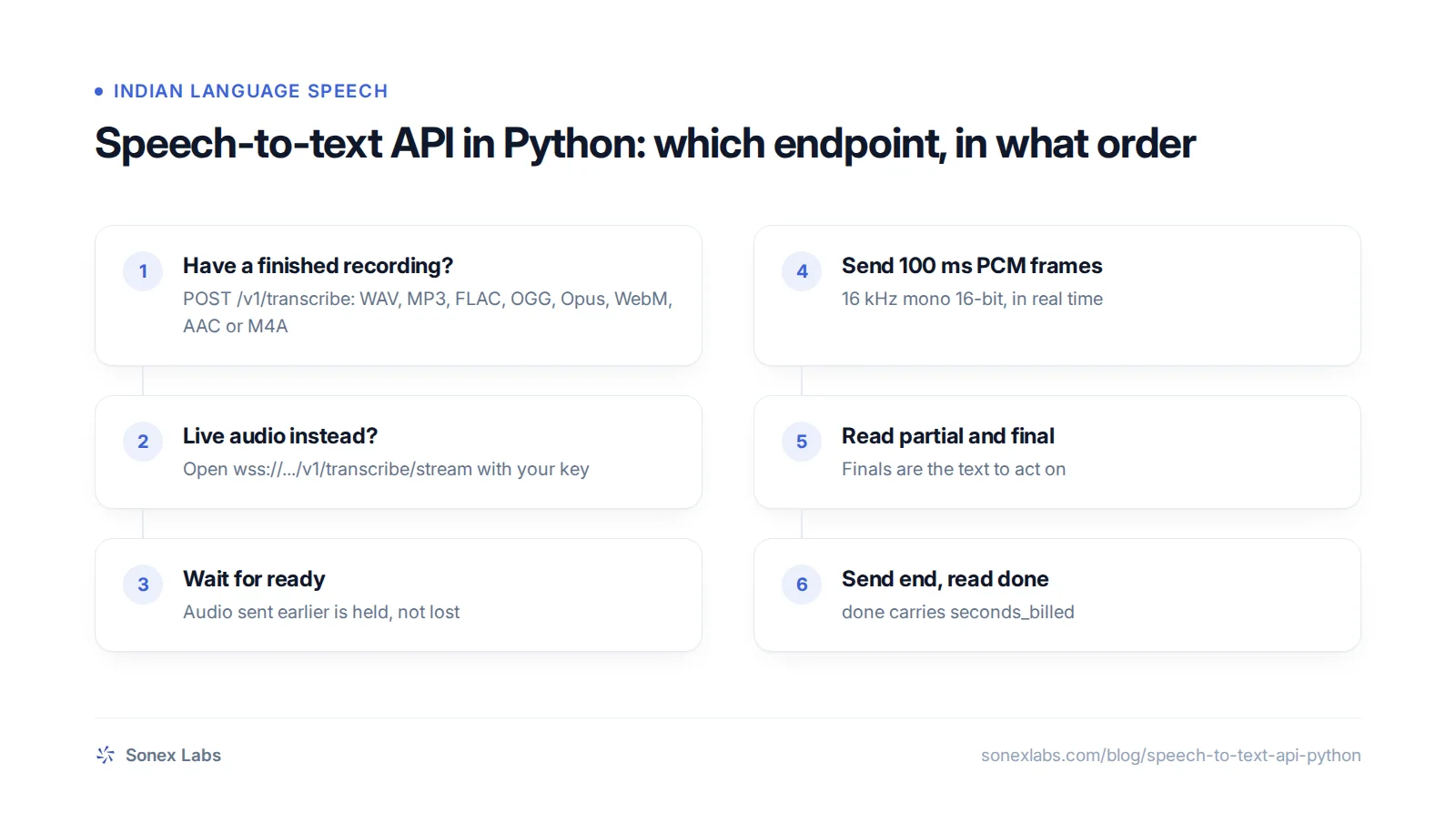
Speech-to-text (STT) APIs split their work by when the audio exists. A finished recording, such as a call recording or a voice note, is sent in one HTTP request and the transcript comes back in one response. Live audio, from a microphone or a phone call in progress, is streamed over a WebSocket, a connection that stays open in both directions. The server sends back partial transcripts, its best guess so far, and final transcripts once each utterance is complete.
For a hosted API you need only two Python libraries: an HTTP client and a WebSocket client. The examples here use requests and websockets 14 or later, whose new asyncio implementation became the default in version 14.0 (websockets changelog). The SpeechRecognition package wraps more than a dozen engines and services behind one interface, from CMU Sphinx to cloud APIs, but not this one (SpeechRecognition on PyPI). Libraries that run a model on your own machine, such as faster-whisper, trade the API bill for a GPU and your own operations work, a trade-off covered in self-hosted Whisper versus an STT API.
Valmiki's two endpoints
Sonex Labs' speech-to-text API for developers follows that split, with one key for both endpoints (Sonex quickstart). `POST https://api.sonexlabs.com/v1/transcribe` takes a file and returns its transcript in one response. `wss://api.sonexlabs.com/v1/transcribe/stream` is the WebSocket for live audio. Every request carries `Authorization: Bearer vsk_...`, with a key created in the dashboard.
There is no language field to set. Valmiki detects the spoken language itself, including recordings that switch languages mid-sentence, which is what Hinglish and Tanglish calls do. Its language list has 67 entries, among them Hindi, Tamil, Telugu, Bengali, Marathi, Gujarati, Kannada, Malayalam, Punjabi, Urdu, Assamese and Nepali. Odia and dialects such as Bhojpuri are not on it yet, and Arabic is a single entry with no dialect choice.
Both endpoints share the account's rate limits of 5 requests a second and 120 a minute, and answer `429 Too Many Requests` with a `Retry-After` header beyond that. The examples below need Python 3.9 or later and `pip install requests "websockets>=14"`.
Transcribe a recording with requests
For a call recording, a voice note or any file you already have, send the bytes as the request body with a matching `Content-Type`. The endpoint accepts WAV, MP3, FLAC, OGG, Opus, WebM, AAC and M4A, up to 10 MB and 10 minutes. You can also send a multipart form with the audio in a field called `file`.
The reply is JSON with `text`, `duration_seconds`, `model`, `request_id` and `seconds_billed`. A recording with no intelligible speech returns an empty `text` rather than an error. Audio rejected for its format, size, length or corruption (HTTP 400, 413 or 415) is never billed.
Retries need one detail to be safe. If a request times out on your side after it succeeded on the server, a plain retry would transcribe and bill the file twice. Sending the same `Idempotency-Key` on every attempt makes a repeat within 10 minutes return the original transcript with `seconds_billed` of 0, so the example below generates one key per file and reuses it.
Recordings longer than 10 minutes must be split, not streamed, because the live stream also stops after 10 minutes. Cut them into pieces under 10 minutes and 10 MB, at pauses rather than fixed times so no word is split across two files, then join the texts. The guide to converting Hindi audio and voice notes to text includes an ffmpeg command for this and a folder script.
import time
import uuid

import requests

API_KEY = "YOUR_API_KEY"
URL = "https://api.sonexlabs.com/v1/transcribe"

session = requests.Session()               # one connection, reused for every file
session.headers["Authorization"] = f"Bearer {API_KEY}"


def transcribe(path: str, content_type: str, attempts: int = 3) -> dict:
    key = str(uuid.uuid4())                # same key on every retry: billed once
    for attempt in range(attempts):
        try:
            with open(path, "rb") as audio:
                resp = session.post(
                    URL,
                    data=audio,
                    headers={"Content-Type": content_type, "Idempotency-Key": key},
                    timeout=120,
                )
        except (requests.ConnectionError, requests.Timeout):
            if attempt == attempts - 1:
                raise
            time.sleep(2 ** attempt)
            continue
        if resp.status_code in (429, 503) and attempt < attempts - 1:
            time.sleep(float(resp.headers.get("Retry-After", 2 ** attempt)))
            continue
        resp.raise_for_status()            # 400, 401, 402, 413 and 415 are not worth retrying
        return resp.json()
    raise RuntimeError("unreachable")


for path, content_type in [
    ("hindi_order_query.wav", "audio/wav"),
    ("tamil_appointment.mp3", "audio/mpeg"),
    ("hinglish_voice_note.opus", "audio/ogg"),   # WhatsApp voice notes are Opus in OGG
]:
    result = transcribe(path, content_type)
    print(path, "->", result["text"])
print(" ", result["duration_seconds"], "s of audio, billed", result["seconds_billed"], "s")Stream live audio with websockets
For a live microphone or a phone call, open the WebSocket and send binary frames of 16 kHz mono 16-bit little-endian PCM, about 100 ms each. The server first sends `{"type": "ready"}`; audio you send before that is held and delivered once the session opens, so you can start sending at once. Then `partial` messages show text as it forms, and a `final` message arrives as each utterance completes. Act on finals, and use partials only for live captions or to start work early.
Send audio at the speed it was spoken. The stream is built for live input, and audio sent faster than real time is paced before it reaches the engine, so streaming a file this way is slower and less accurate than uploading it. The example streams a WAV file in real time only to stand in for a microphone.
Phone audio usually arrives at 8 kHz, so resample it once before sending, for example with `ffmpeg -i call.wav -ar 16000 -ac 1 -sample_fmt s16 call_16k.wav`; why 8 kHz phone audio trips up 16 kHz models explains what resampling can and cannot recover. When you send `{"type": "end"}`, the last utterance is finished, a `done` message reports `seconds_billed`, and the connection closes.
The server closes a stream for you with code 4408 after 10 minutes, or 4409 after 30 seconds with no recognised speech. Code 4401 means a missing or invalid key and 4402 an empty balance.
A browser can use the stream too, with one catch: it cannot set headers on a WebSocket, so the key goes in the URL as `?api_key=`. Anything that can read the URL, from proxies to browser history, can then read the key. Issue a short-lived key from your own backend for each session and keep the main key on your server.
import asyncio
import json
import wave

import websockets                          # pip install "websockets>=14"

API_KEY = "YOUR_API_KEY"
URL = "wss://api.sonexlabs.com/v1/transcribe/stream"
FRAME_MS = 100


def pcm_frames(path: str):
    """Yield 100 ms frames of 16 kHz mono 16-bit PCM from a WAV file."""
    with wave.open(path, "rb") as wf:
        if (wf.getframerate(), wf.getnchannels(), wf.getsampwidth()) != (16000, 1, 2):
            raise ValueError("convert first: ffmpeg -i in.wav -ar 16000 -ac 1 -sample_fmt s16 out.wav")
        samples_per_frame = 16000 * FRAME_MS // 1000
        while chunk := wf.readframes(samples_per_frame):
            yield chunk


async def stream(path: str) -> None:
    headers = {"Authorization": f"Bearer {API_KEY}"}
    async with websockets.connect(URL, additional_headers=headers) as ws:

        async def send_audio():
            for frame in pcm_frames(path):
                await ws.send(frame)
                await asyncio.sleep(FRAME_MS / 1000)    # real time, as a microphone would
            await ws.send(json.dumps({"type": "end"}))  # stop the meter as soon as you are done

        sender = asyncio.create_task(send_audio())
        try:
            async for message in ws:
                event = json.loads(message)
                if event["type"] == "partial":
                    print("\r  ...", event["text"], end="", flush=True)
                elif event["type"] == "final":
                    print("\rfinal:", event["text"])
                elif event["type"] == "error":
                    print("\nerror:", event["message"])
                elif event["type"] == "done":
                    print(f"billed {event['seconds_billed']} s, request {event['request_id']}")
                    break
        except websockets.ConnectionClosedError as exc:
            print("closed by server:", exc.rcvd.code if exc.rcvd else "no close frame")
        finally:
            sender.cancel()


asyncio.run(stream("hinglish_call_16k.wav"))Hindi, Tamil and Hinglish examples
The three clips below are test inputs you can download and send through either example. They were made with Pāṇini TTS from the sentences in their captions, so you know exactly what was said and can check the transcript word for word. Synthetic speech is cleaner than a real caller, so treat a good result on these clips as a smoke test, not a benchmark.
The JSON below shows the shape you get back and the kind of text to expect for each clip. It is illustrative: it was written from the clip texts and the documented response fields, not from a recorded run. Hinglish is where to look hardest. Depending on the audio, English words in a Hindi sentence may come back in Latin script or in Devanagari, so if your system needs one script, normalise it after transcription rather than assuming either.
For accuracy on real phone audio, see how word error rate is measured on 8 kHz calls in the Hindi and Hinglish speech-to-text test, and try the language pages for Hindi and Tamil in the browser first.
[
  {
    "text": "नमस्ते, मेरा ऑर्डर अभी तक नहीं आया है, क्या आप एक बार चेक कर सकते हैं?",
    "duration_seconds": 0.0,
    "model": "valmiki",
    "request_id": "<uuid>",
    "seconds_billed": 0.0
  },
  {
    "text": "நாளைக்கு காலையில பத்து மணிக்கு டாக்டரை பார்க்க முடியுமா?",
    "duration_seconds": 0.0,
    "model": "valmiki",
    "request_id": "<uuid>",
    "seconds_billed": 0.0
  },
  {
    "text": "<Hinglish sentence: English words may be in Latin script or Devanagari>",
    "duration_seconds": 0.0,
    "model": "valmiki",
    "request_id": "<uuid>",
    "seconds_billed": 0.0
  }
]नमस्ते, मेरा ऑर्डर अभी तक नहीं आया है, क्या आप एक बार चेक कर सकते हैं?
நாளைக்கு காலையில பத்து மணிக்கு டாக்டரை பார்க்க முடியுமா?
Mera order kal deliver hona tha, abhi tak nahi aaya. Can you check the status please?
Billing runs per second, so close streams on silence
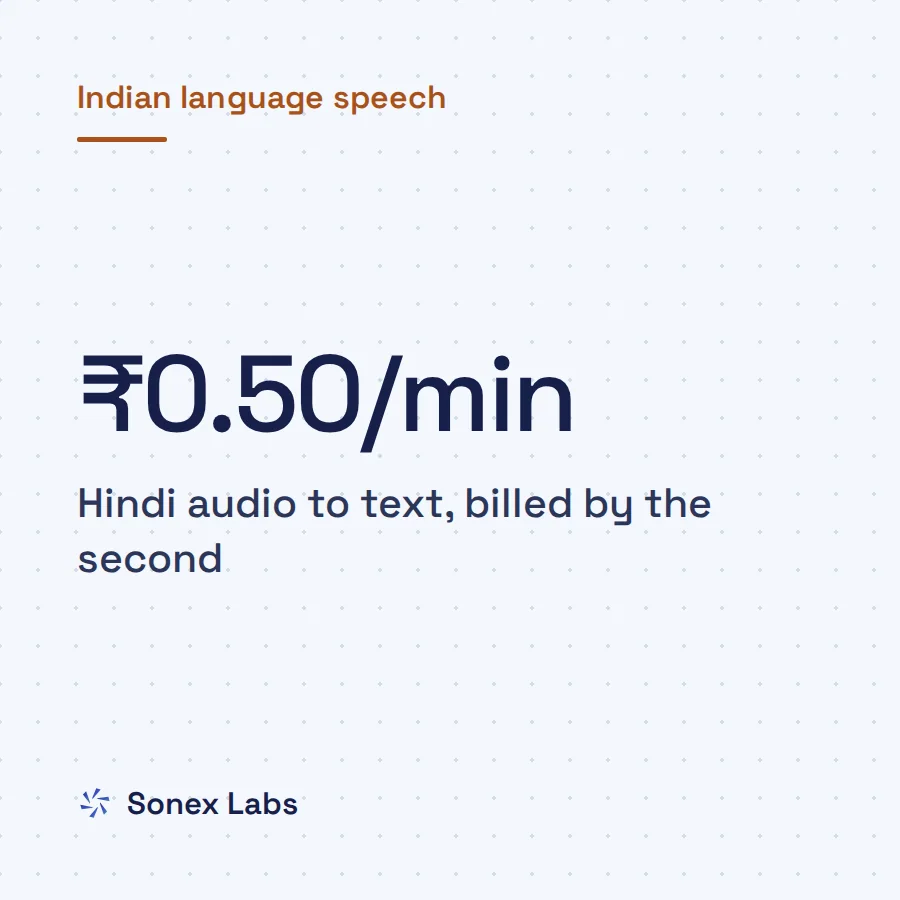
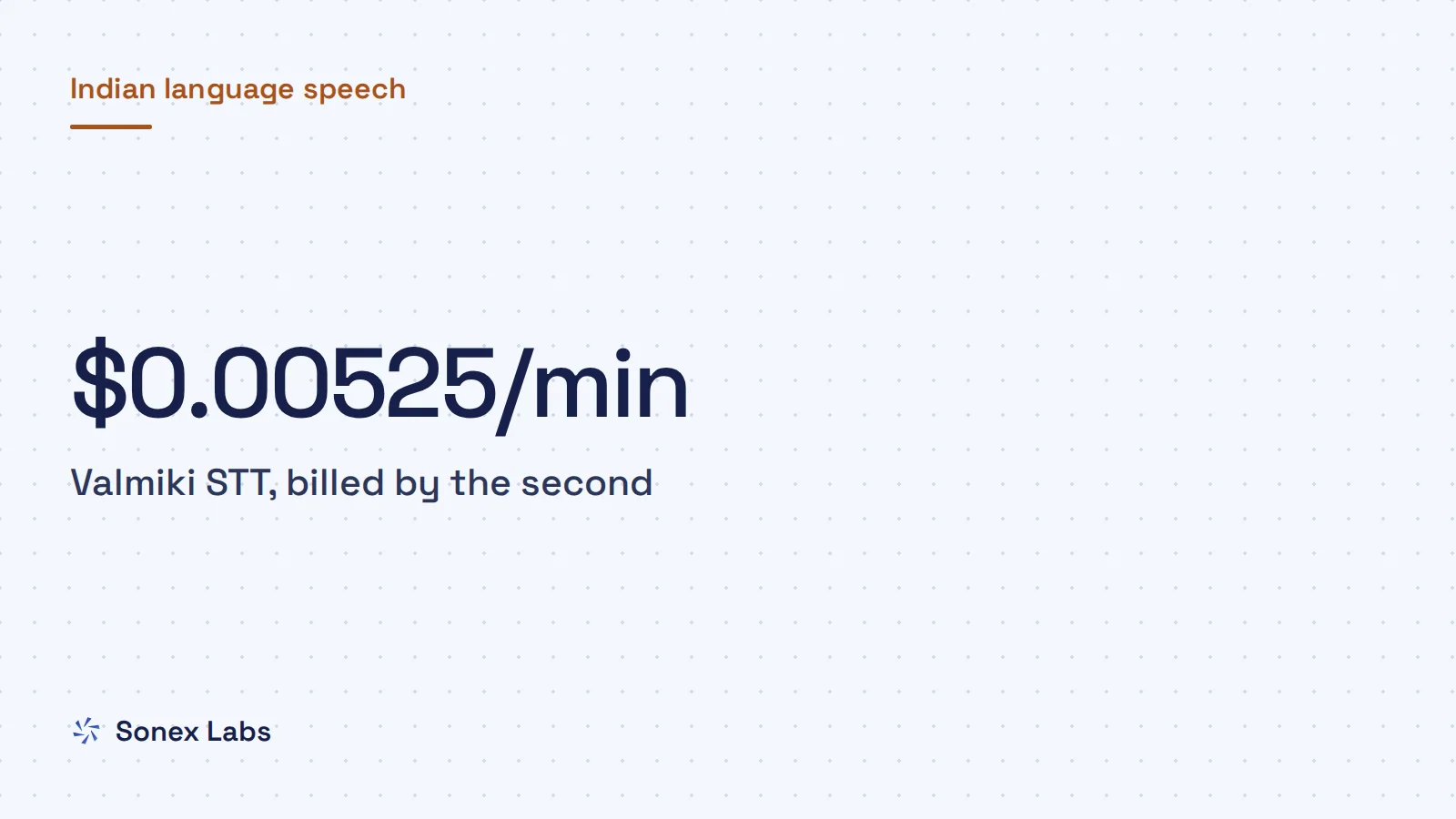
Valmiki STT costs $0.00525 per minute of audio, billed by the second, which is about ₹0.50 a minute at ₹95.04 to the dollar (open.er-api.com, 24 October 2026). For files, the billed seconds are the recording's real length. For streams, they are every second the connection is open, including silence and the time spent opening the session, because a streaming transcriber is working for as long as you hold it open (API reference).
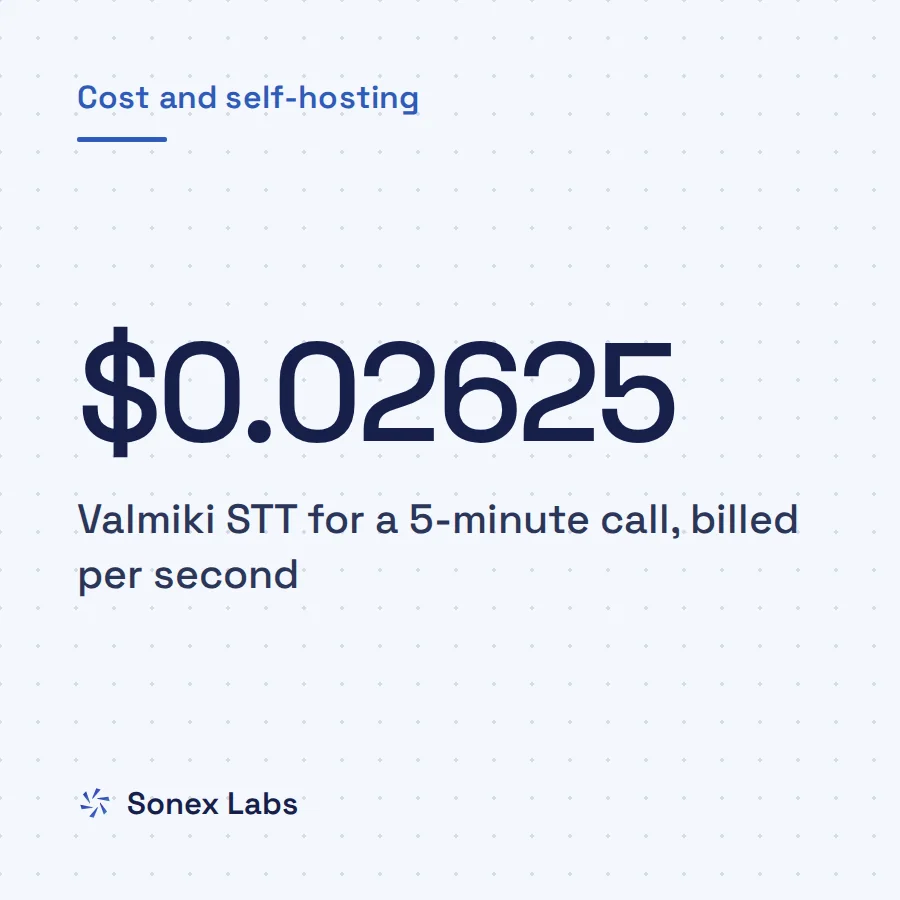
The arithmetic is simple and worth doing. A 45-second voice note costs 45 × $0.0000875 = $0.0039 (₹0.37). A 5-minute call streamed end to end costs $0.02625 (₹2.49). A stream you forget to end keeps running until the server's 30-second no-speech timeout, which adds $0.002625 (₹0.25) to every session; across 10,000 dictation sessions a month, that is $26.25 for nothing.
For push-to-talk, dictation and voice notes, end the stream yourself when the speaker stops. The helper below watches the loudness of each frame and sends `end` after 1.5 seconds of quiet, once someone has spoken. On a phone agent, keep one stream open for the whole call instead: every new session spends time opening, and that time is billed too. Log `seconds_billed` from every `done` message so idle streams show up in your own numbers, and see how per-second STT billing treats silence for the wider picture.
import array
import json
import math

SILENCE_RMS = 300      # PCM16 level treated as quiet; tune it on your own line
END_AFTER_S = 1.5      # send "end" after this much quiet, once someone has spoken
FRAME_S = 0.1          # 100 ms frames


def rms(frame: bytes) -> float:
    samples = array.array("h", frame)       # native byte order: little-endian on x86 and ARM
    return math.sqrt(sum(s * s for s in samples) / max(len(samples), 1))


async def send_until_quiet(ws, frames) -> None:
    """Forward live frames, then close the turn after END_AFTER_S of quiet."""
    heard_speech, quiet = False, 0.0
    async for frame in frames:              # e.g. an async generator over your microphone
        await ws.send(frame)
        if rms(frame) >= SILENCE_RMS:
            heard_speech, quiet = True, 0.0
        else:
            quiet += FRAME_S
        if heard_speech and quiet >= END_AFTER_S:
            break
await ws.send(json.dumps({"type": "end"}))Sources
- Sonex Labs API quickstart: transcribe a recording, transcribe a live stream, rate limitsOfficial
- Sonex Labs API reference (POST /v1/transcribe, WS /v1/transcribe/stream)Official
- websockets changelog: new asyncio implementation is the default from 14.0Official
- SpeechRecognition on PyPI (supported engines; version 3.17.0, June 2026)Official
- ExchangeRate-API open access rates (USD to INR, 24 October 2026)Official
Change log: 24 Oct 2026, First published. Later the same day, rewritten as one continuous guide: opens with how STT APIs split files from live audio and which Python libraries you need; the browser-key, long-recording and library questions moved from the FAQs into the body; the takeaways, steps and checklist folded into the sections. All code, the audio clips and the illustrative JSON unchanged