On this page
Which tool fits your Hindi recording
Hindi audio to text is speech-to-text (STT) applied to a file: you give the tool a recording, and it gives back what was said as Hindi text. It works on WhatsApp voice notes, call recordings, interviews and lecture clips alike. The tool does not care where the audio came from, only about its format, its length and how clearly people speak.
The right tool depends on how much audio you have. For one voice note on your own phone, WhatsApp's built-in voice message transcripts may be enough: when the feature reached Android beta in July 2024, Hindi was one of its first five languages, and it uses the phone's own speech recognition (Android Authority). Availability still varies by phone and app version, so look for it under Chats in WhatsApp's settings.
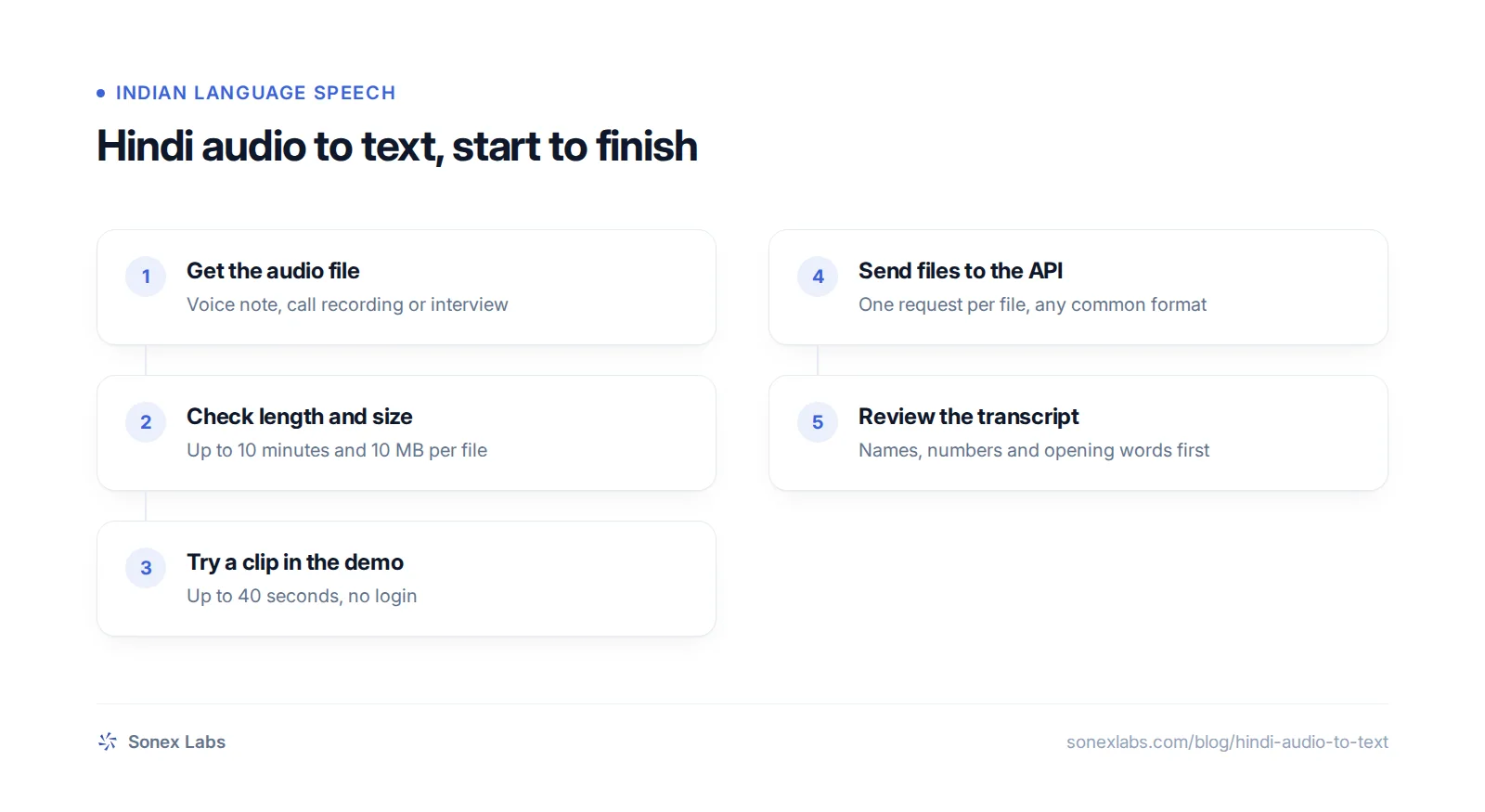
For a clip you want to test, a browser demo is quickest. The Hindi speech-to-text page lets you record or upload up to 40 seconds, with no login, and shows the transcript from Valmiki, Sonex Labs' speech-to-text model. For anything longer, or for dozens of files, you send the audio to an API, covered further down.
If what you want is to speak and have Hindi typed into a chat or a document as you talk, that is voice typing, and the voice input in your phone's keyboard is the right tool. This guide is about converting audio you already have.
What a Hindi transcript looks like, from a real test
The transcript comes back in Devanagari. English words spoken inside a Hindi sentence, which describes most Hindi customer speech, are written in Devanagari too, so the text reads as one Hindi sentence. There is no setting for a romanised (Latin-script) transcript today; if your system needs Latin script, run the finished text through a Hindi transliteration tool and spot-check personal and place names, which transliterate least consistently.
On 24 October 2026 we sent Valmiki a short complaint in everyday Hinglish: "हाँ जी, मेरा order अभी तक deliver नहीं हुआ है। आप एक बार check करके बता सकते हैं कि कब तक आएगा?" (Yes, my order still hasn't been delivered. Could you check and tell me when it will arrive?). Both 8 kHz phone-quality runs returned, word for word: "हां जी, मेरा ऑर्डर अभी तक डिलीवर नहीं हुआ है। आप एक बार चेक करके बता सकते हैं कि कब तक आएगा?"
That one clip is not a benchmark, and the same test showed the kind of error to look for. One of the two clean-recording runs heard the opening हाँ जी as आज ही, a mistake that sounds alike and changes the meaning. Errors like that cluster at the start of a clip, in names and in numbers, so read those parts of every transcript against the audio before the text goes into a CRM or a report.
Speech-to-text also writes down what was said in the language it was said. Hindi audio becomes Hindi text, not English. To get English, pass the Hindi transcript to a translation tool or a language model afterwards, and have someone who reads Hindi check anything important.
The sample below is the same test sentence, read by Pāṇini, Sonex Labs' text-to-speech model. It is a fresh rendering for this page, not the exact file we transcribed, so you can download it and run the test yourself.
हाँ जी, मेरा order अभी तक deliver नहीं हुआ है। आप एक बार check करके बता सकते हैं कि कब तक आएगा?
Getting WhatsApp voice notes off the phone
A WhatsApp voice note is an Opus audio file, saved as .opus or .ogg. Speech-to-text tools that accept OGG take it directly, so there is nothing to convert. The work is getting the file off the phone.
For one note, use WhatsApp's share option on the message and send it to your email, Google Drive or a file manager. For a whole conversation, use Export chat with media, which saves the chat text and its attachments, voice notes included, as a ZIP file (WhatsApp Help Center). Unzip it on a computer and the voice notes are in the folder as separate audio files.
Voice notes are usually short, but they are recorded on phones in noisy places. Background traffic, a television or two people talking at once will cost more accuracy than the file format ever does. If a note matters, listen to it while you read the transcript, and be careful about uploading customers' private voice notes to free third-party apps whose data handling you have not checked.
Long recordings and batches go through the API
Sonex Labs' file API, POST /v1/transcribe, takes WAV, MP3, FLAC, OGG, Opus, WebM, AAC and M4A, up to 10 MB and 10 minutes per file. You send the audio as the request body with a matching Content-Type, and the reply carries the text and the duration billed. The script below transcribes every audio file in a folder and saves each transcript next to it as a .txt file; an API key comes from the dashboard under Configurations, then Developer.
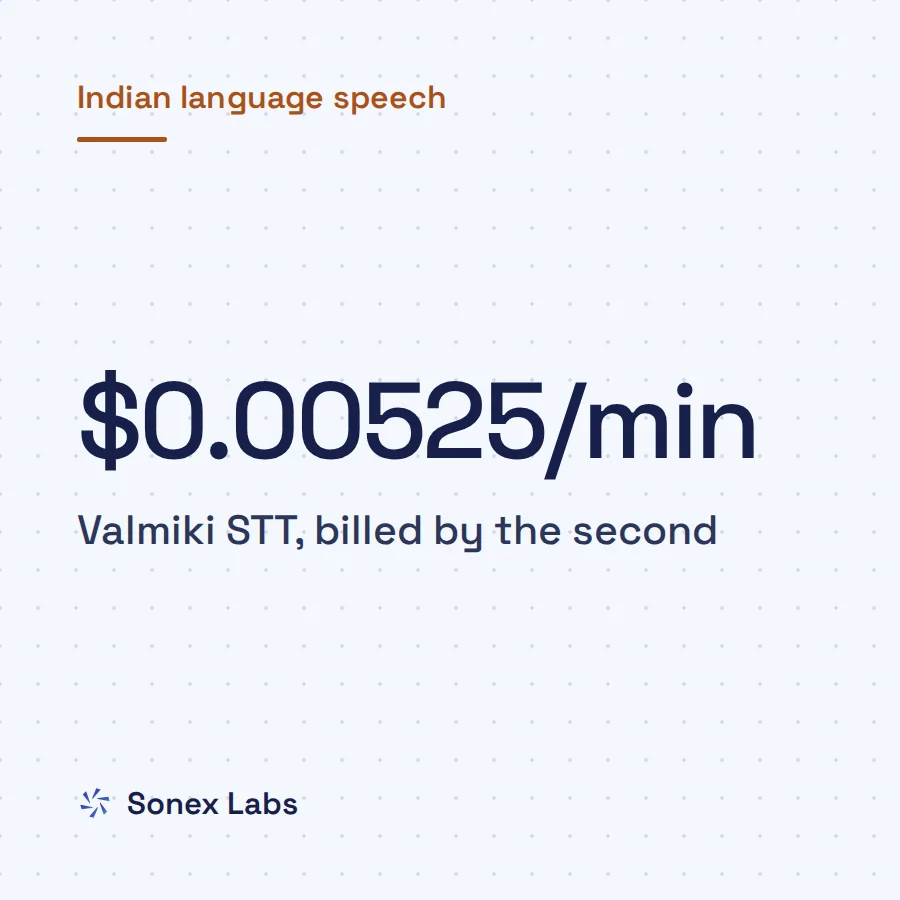
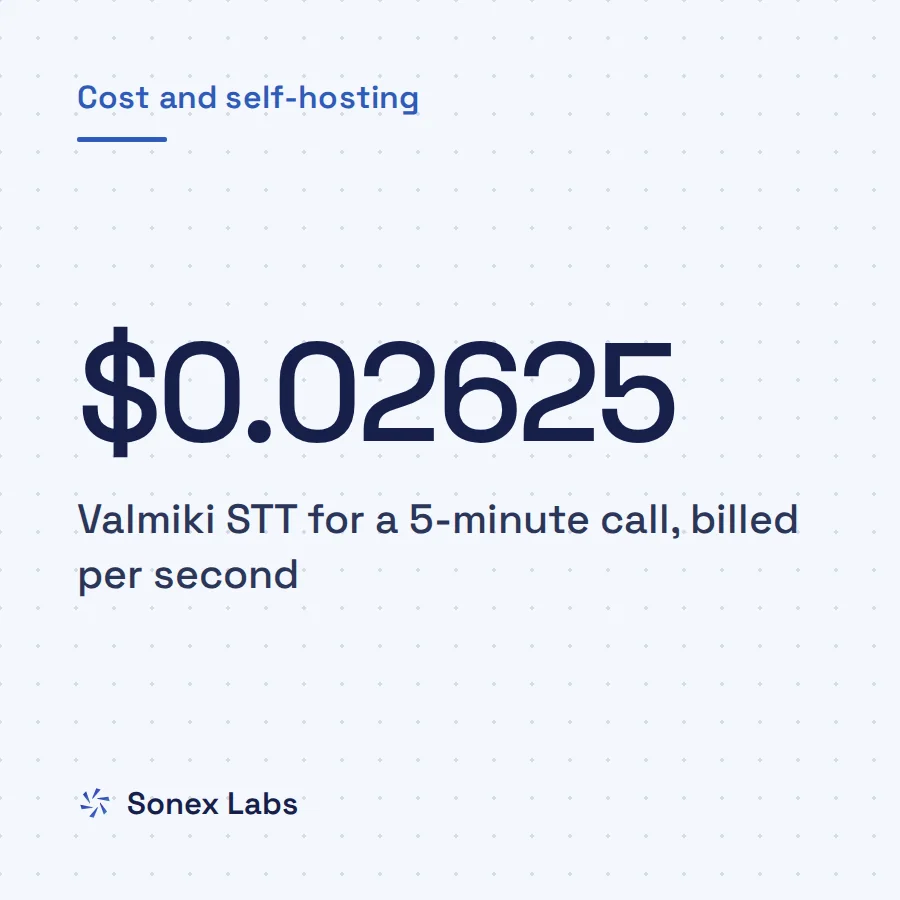
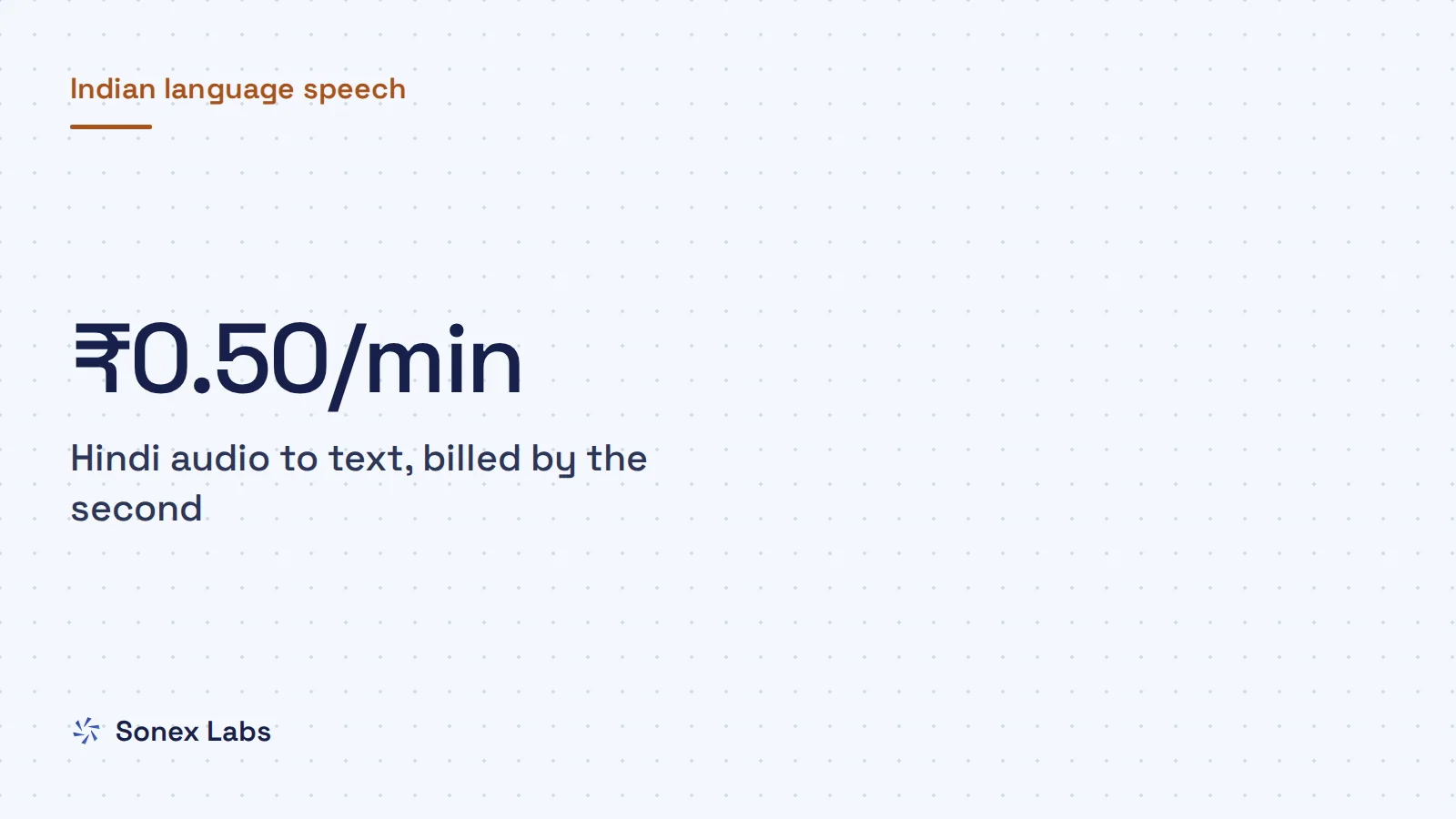
Billing is per second of audio at $0.00525 a minute, about ₹0.50 a minute or ₹29.94 an hour at ₹95.04 to the dollar (open.er-api.com, 24 October 2026). A two-minute voice note costs about one rupee. Files rejected before transcription, for example because they are too long, are not billed. Billing by the second also means silence costs the same as speech, which matters for long recordings with gaps, as explained in how per-second STT billing treats silence.
Anything over 10 minutes needs splitting first. With ffmpeg installed, this command cuts a recording into nine-minute parts in a compact format, each well under 10 MB: ffmpeg -i interview.m4a -f segment -segment_time 540 -reset_timestamps 1 -ac 1 -c:a libopus -b:a 32k part%03d.ogg (FFmpeg segment muxer). Send the parts in order and join the texts. For more options in Python, including live streaming, see the speech-to-text API guide for Python.
# pip install requests
from pathlib import Path
import requests

API_KEY = "YOUR_API_KEY"
TYPES = {".opus": "audio/ogg", ".ogg": "audio/ogg", ".mp3": "audio/mpeg",
         ".m4a": "audio/mp4", ".wav": "audio/wav"}

for path in sorted(Path("voice-notes").iterdir()):
    mime = TYPES.get(path.suffix.lower())
    if mime is None:
        continue
    r = requests.post(
        "https://api.sonexlabs.com/v1/transcribe",
        headers={"Authorization": f"Bearer {API_KEY}", "Content-Type": mime},
        data=path.read_bytes(),
        timeout=120,
    )
    r.raise_for_status()
    result = r.json()
    path.with_suffix(".txt").write_text(result["text"], encoding="utf-8")
print(path.name, result["duration_seconds"], "seconds")Phone calls, Hinglish and other Indian languages
You do not need to tell Valmiki the recording is Hindi. It detects the spoken language by itself, including speech that switches between Hindi and English mid-sentence, which is how most people talk on calls and in voice notes.
Recorded phone calls work, with two caveats. Calls are recorded at 8 kHz, which removes much of the detail in a voice, although our Hindi test clip still came back word for word in both phone-quality runs; why 8 kHz phone audio trips up speech models explains the effect. A call recorded with both speakers on one channel is transcribed as one block of text, with no labels for who spoke.
If your recordings are in several Indian languages, check the script of each transcript. Hindi has come back in Devanagari in every run of our test clip. Telugu and Bengali are less predictable: in our tests, three of four runs of the same clip came back romanised, in Latin letters, rather than in Telugu or Bengali script, and there is no setting to force the script yet. Test with your own recordings if your system needs native script.
The reply also has limits worth knowing before you build on it. The file API returns the full text and its duration, not word-level timestamps, so it will not produce subtitle files on its own.
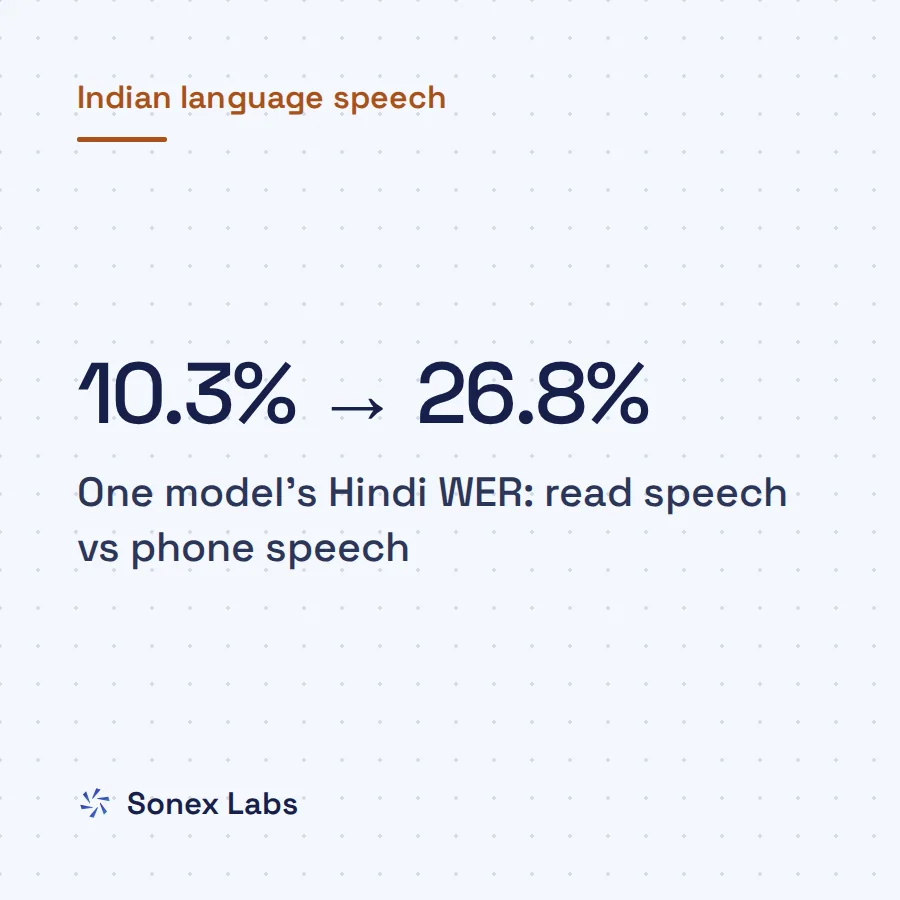
How accurate Hindi audio to text is depends far more on the recording than on the language. A clear, close voice note transcribes well; a noisy street recording or overlapping speakers do not. We have published one test clip, not an accuracy benchmark, so measure on a sample of your own recordings; the guide to Hindi and Hinglish speech-to-text on 8 kHz calls explains how to run a word-error test.
Sources
- Android Authority: WhatsApp voice message transcripts in beta, with Hindi among the first languages (10 July 2024)Secondary
- WhatsApp Help Center: How to export your chat historyOfficial
- FFmpeg documentation: segment muxerOfficial
- ExchangeRate-API: USD rates (open.er-api.com), 24 October 2026Official
Change log: 24 Oct 2026, First published. Later the same day, rewritten as one continuous guide: added WhatsApp's built-in voice message transcripts as the option for a single note; moved translation, Roman Hindi, phone calls and accuracy from the FAQs into the body; folded the takeaways, steps and checklist into the sections. Code and audio sample unchanged