On this page
- Why Indian numbers fail on a default LiveKit or Pipecat setup
- Exotel and LiveKit SIP: the settings that work as of October 2026
- Airtel outbound fails with "487 Request Terminated"
- Plivo and LiveKit: region pinning, KYC and ;transport=tcp
- Pipecat with Exotel and Plivo: use the carrier's WebSocket
- KYC, DLT and numbering, in the order they happen
- Sources
Why Indian numbers fail on a default LiveKit or Pipecat setup
An Indian number fails on a default setup because the call's audio is sent to servers outside India. Plivo's India guide states the rule plainly: "TRAI regulations require voice traffic for India calls to be anchored on servers located in India" (Plivo, calling in India). TRAI is the Telecom Regulatory Authority of India. Plivo does not name the regulation, and we have not traced the primary text, so treat this as the carriers' operating requirement as they describe it.
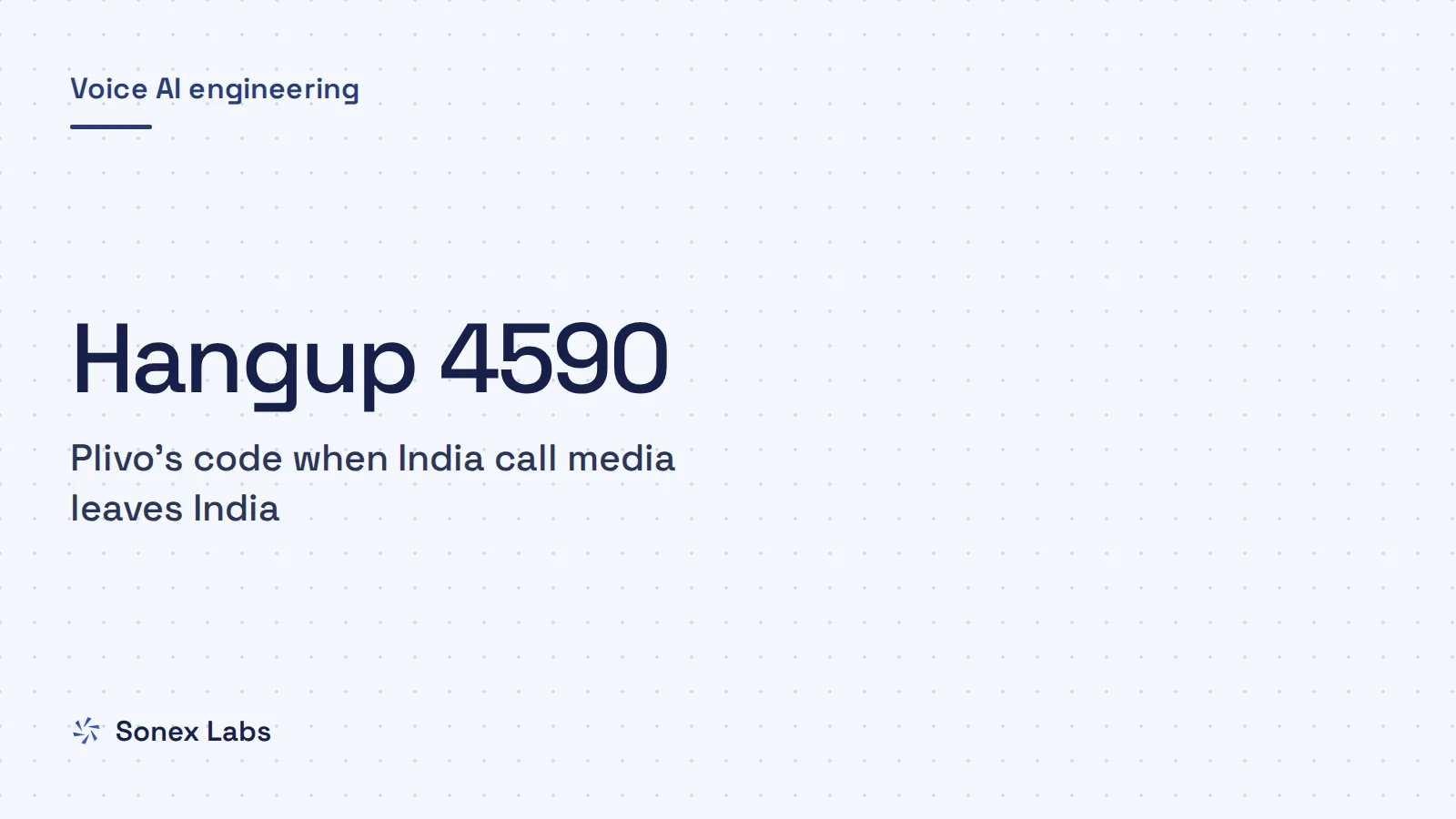
The rule is enforced at the carrier, not left as advice. Plivo says calls that break it end with hangup code 4590, which it labels an "India media anchoring violation". Its LiveKit guide warns that without region pinning "calls will fail to connect" (Plivo, SIP trunking with LiveKit). LiveKit's own advice for India says the same in other words. Deploy agents in its Mumbai region and use a regional SIP trunk provider, which keeps calls within India (LiveKit, building voice agents for India).
This is why the most-discussed thread on the subject went nowhere for so long. "Exotel Support" on LiveKit's SIP repository opened in January 2025 with a developer who needed an "Indian Number for inbound call", drew 40 comments and was closed as not planned (livekit/sip issue 278). A follow-up, "Has anyone been successful in integrating Exotel with LiveKit?", opened in August 2025 and is still open with 16 comments (livekit/sip issue 428). Most of the fixes that work were posted there in 2026, after Exotel and Plivo published their own guides.
SIP trunk or WebSocket stream
There are two ways to connect a carrier to an agent. SIP trunking carries the call as SIP (Session Initiation Protocol) signalling plus RTP (Real-time Transport Protocol) media into LiveKit, which hands the audio to your agent. A WebSocket media stream skips SIP: the carrier sends the caller's audio as base64 chunks in JSON messages to a URL you give it, and plays back what you send. LiveKit has taken phone calls over SIP, and since September 2026 its Connectors also accept WebSocket calls from Twilio and WhatsApp, though not yet from Indian carriers (how Pipecat and LiveKit connect calls). Pipecat supports both routes, and its Exotel integration uses the WebSocket one.
Our stake, so you can weigh what follows. Sonex Labs runs its voice agents on Pipecat and connects Indian numbers through carrier WebSocket streams, not SIP. We have not run the LiveKit SIP path in production, so the SIP settings below come from the carriers' and LiveKit's documentation and the GitHub threads, checked on 24 October 2026. The WebSocket details come from our own production code.
Exotel and LiveKit SIP: the settings that work as of October 2026
For Exotel, follow Exotel's own LiveKit guide rather than the older forum answers, because it corrects two things they got wrong (Exotel, connect Exotel SIP trunk to LiveKit). Inbound calls go to your India-pinned LiveKit host on port 5061 over TLS, and outbound SIP is supported with digest credentials. Earlier advice in the thread said TCP on port 5060 and claimed Exotel had no SIP outbound; the commenter who summarised it later posted a correction pointing to Exotel's guide.
On the LiveKit side, take your SIP subdomain from Project settings and use <subdomain>.india.sip.livekit.cloud. LiveKit's region-pinning page says the subdomain is your project ID without the p_ prefix, and that the regional host sends traffic only to nodes in that region (LiveKit region pinning). Add your Exotel DID (direct inward dial number, the +91 number callers ring) to an inbound trunk in E.164 format, such as +9198XXXXXXXX. Then create at least one dispatch rule so calls land in a room.
On the Exotel side, the guide uses Exotel's trunk API in this order: create a trunk, map your DID to it, set digest credentials (a SIP username and password), then add the inbound destination shown below. In the App Bazaar flow, the Connect applet's "Dial whom" field takes only sip:<trunk_sid>, not a full SIP URI. For outbound, create a LiveKit outbound trunk whose address is the Exotel edge IP and port assigned to your account, with the same username and password.
When the call rings but the agent never speaks
Exotel's troubleshooting table lists this exact symptom: the call rings and there is no bot audio because no agent is publishing audio in the same LiveKit room. Check that a dispatch rule matched the number and that the number on the trunk matches exactly what Exotel sends. Then check that your agent worker joined the room and published an audio track before the greeting was sent.
Two other details trip people up. Exotel's IP allow-list takes one /32 address per request and no CIDR ranges, so the guide says to rely on digest authentication unless LiveKit gives you a static egress IP. And if you self-host LiveKit's SIP service, update it: outbound calls over TCP to Exotel failed because the ACK went to the Contact URI (TLS) instead of following the Record-Route path.
The fix, "Clearing cached destination before sending ACK", shipped in livekit/sip v1.6.0 on 26 June 2026 (livekit/sip PR 734). Run that version or later.
{
  "destinations": [
    { "destination": "YOUR_SUBDOMAIN.india.sip.livekit.cloud:5061;transport=tls" }
  ]
}Airtel outbound fails with "487 Request Terminated"
If outbound calls through an Airtel SIP trunk end in 487 Request Terminated, check for a missing ;user=phone parameter first. In LiveKit's issue "SIP<>Airtel Outbound Calling" (opened 13 March 2026, still open), the reporter says Airtel confirmed exactly that after debugging (livekit/sip issue 615). Airtel wanted ;user=phone on the Request-URI, the From header and the To header, and LiveKit was not sending it there. The parameter tells the far end that the part before the @ is a telephone number rather than a user name.
Putting the parameter in a custom header does not solve it. The reporter added user=phone to P-Asserted-Identity, and a later comment points out that a custom header cannot change the URI parameters Airtel checks. Adding it to the trunk address field did not work either.
The workaround people report is a session border controller (SBC), a SIP proxy between LiveKit and the carrier, such as Asterisk, Kamailio or OpenSIPS. It rewrites the Request-URI, From and To to append ;user=phone before the call leaves for Airtel. One commenter, running Airtel in production, says Airtel also expected a custom header that their OpenSIPS proxy adds.
Before building any of this, take a packet capture. A 487 can also follow a cancellation upstream, and the capture shows whether Airtel rejected the INVITE outright or the call was cancelled before it answered.
What LiveKit sent              sip:+91XXXXXXXXXX@CARRIER_IP:5076;transport=udp
What Airtel asked for          sip:+91XXXXXXXXXX@CARRIER_IP:5076;user=phone

The same ;user=phone is needed on the From and To URIs.Plivo and LiveKit: region pinning, KYC and ;transport=tcp
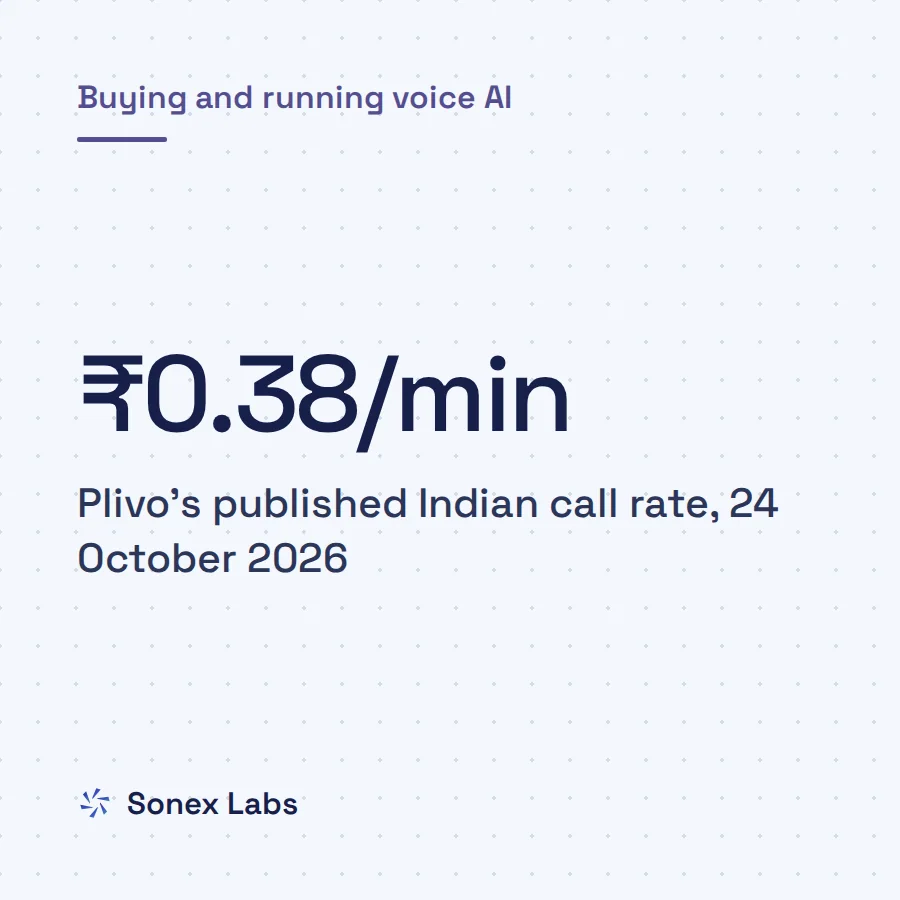
Plivo's India rules are the easiest to get wrong because one of them cannot be undone. Your Plivo organisation must be created in the India data region, which anchors Plivo's side of the call in Mumbai, and Indian numbers are available only to India-region accounts. Plivo says the data region cannot be changed once the organisation exists, so an account in another region needs a new organisation under the same login.
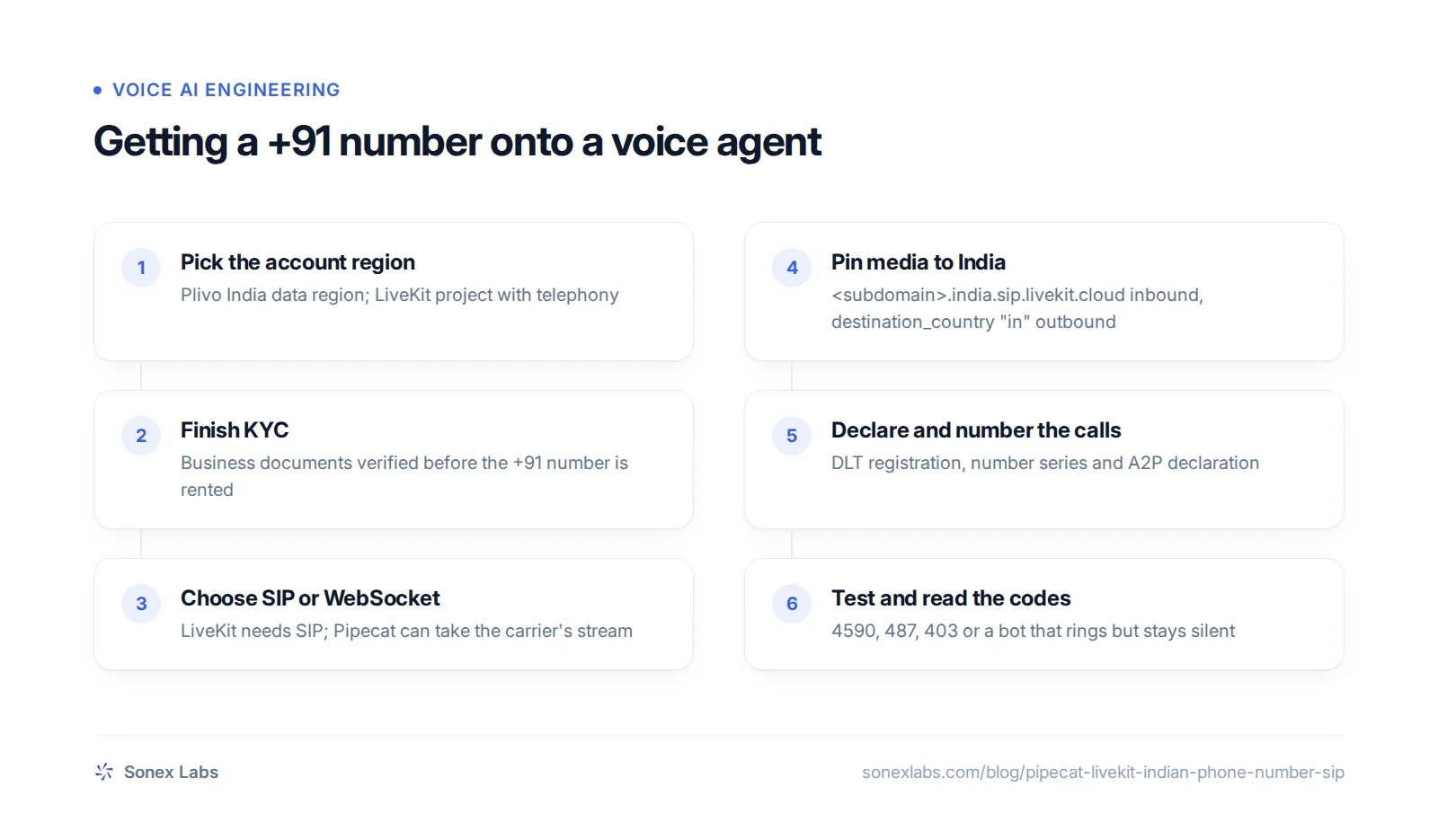
Renting an Indian number then requires KYC (know-your-customer) verification before purchase, and the documents depend on where your business is registered. On LiveKit, region pinning must be on for calls from or to Indian numbers, and Plivo's guide calls it a regulatory requirement; LiveKit's India post says you enable it by contacting LiveKit. The LiveKit SIP URI you give Plivo must end in ;transport=tcp, or ;transport=tls if you use secure trunking. Plivo lists a call that does not connect as the symptom when it is missing.
Plivo's own checklist ends with a test step worth copying: place test calls and confirm there are no 4590 hangups in the debug logs. Its India page also says Indian numbers are not compatible with Vapi, which it says does not offer SIP termination in India, while LiveKit is supported through region pinning. Platform support changes, so check that page again before you choose.
No failover outside India
Pinning has a cost: a pinned host sends calls only to its region, so they cannot fail over to another one. LiveKit documents a fallback setup in which the carrier tries one endpoint first and another second, but a call that lands outside India would break the media-anchoring rule. For Indian numbers, plan redundancy with the carrier and LiveKit inside India rather than relying on global routing.
Pipecat with Exotel and Plivo: use the carrier's WebSocket
With Pipecat, you can avoid SIP for Exotel altogether. In Exotel's App Bazaar, a call flow's Voicebot applet opens a bidirectional WebSocket to your server and plays back the audio you return. The Stream applet is one-way and only sends you the caller (Exotel Stream and Voicebot docs). Exotel sends raw 16-bit, 8 kHz, mono PCM by default, base64-encoded. Pipecat's maintainers describe the flow simply: each new call is a new WebSocket request to your endpoint.
One commenter in the LiveKit thread split the work the same way, using Pipecat for Exotel and LiveKit for carriers with full SIP support. The stream route has its own failure modes, mostly around the stream format and the stream ID. The guide to silent calls on Twilio Media Streams walks through them, and the same checks apply to Exotel and Plivo.
How Sonex Labs connects Indian numbers
This is the route Sonex voice agents take on Indian numbers. The applet's URL carries the integration and workspace identifiers rather than a short-lived token, because the URL is pasted into the applet once and has to keep working; our tokens expire after 5 minutes. When the socket opens, the engine reads the carrier's start message, looks up the agent for that number and runs the call pipeline at 8 kHz in and out.
For Plivo, our answer webhook returns a Stream element with bidirectional, keepCallAlive and an explicit 8 kHz μ-law content type, shown below. Without bidirectional the caller hears nothing, and without keepCallAlive, our tests show Plivo hangs up as soon as it reaches the stream.
Two Pipecat issues to know before you go live
"Concurrent calls not working with exotel" (December 2025) describes a second simultaneous caller failing to reach the bot (pipecat issue 3293). The maintainers closed it as unrelated to Pipecat, and a later comment blames the Exotel account's channel limit, so ask Exotel how many concurrent channels you have before a campaign.
"Twilio/Telnyx/Exotel serializers crash the whole call on a malformed WebSocket message" (September 2026) found by code review that one bad frame ends the call as if the caller hung up (pipecat issue 5816). The maintainers said they do not expect it in practice but welcomed a fix that logs and skips bad messages.
Our own serializers take that approach: a frame that is not valid UTF-8, JSON or base64 is dropped and counted, and the count is reported at most every 10 seconds with the call attached. We also learned to read the start message carefully. An early Exotel parser of ours consumed exactly two messages and could miss the start payload, which left the stream ID blank and dropped the call.
Another carrier at times delivered the WebSocket address without its query parameters, which put callers through to a generic default agent. We now log a warning whenever a call arrives without its agent configuration, so the fault shows up in monitoring rather than in a customer complaint.
<?xml version="1.0" encoding="UTF-8"?>
<Response>
  <Stream bidirectional="true" keepCallAlive="true" contentType="audio/x-mulaw;rate=8000">wss://YOUR_ENGINE_HOST/ws/plivo?tok=CALL_TOKEN</Stream>
</Response>KYC, DLT and numbering, in the order they happen
The paperwork has an order, and doing it out of order costs weeks. The account region comes first, because Plivo fixes it when the organisation is created. KYC comes next, because both Exotel and Plivo require it before you can rent or use a +91 number. Only then do you rent the number and configure the trunk or stream.
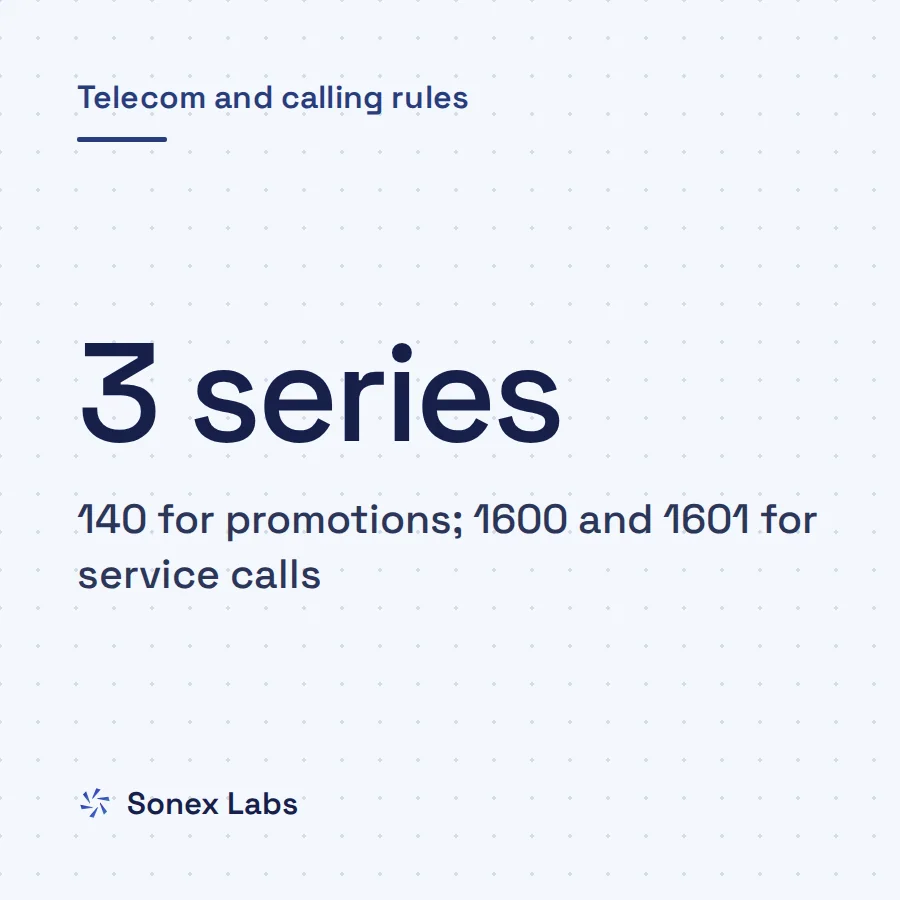
Commercial calling adds the regulator's layer on top. Businesses that make promotional or service calls register with their telecom operator on DLT (distributed ledger technology), the shared platform where operators record senders, their numbers and consents. Which number series your calls must come from depends on the call's purpose and your sector: 140 for promotions, 1600 for regulated financial firms and government, 1601 for utilities, courier and logistics. TRAI's 2026 amendment also treats every call your software dials as an A2P (application-to-person) call. Such calls must be declared to the operator in advance, as the guide to TRAI's rules for AI and automated calls explains.
None of this is visible in a SIP trace, which is why it gets left to the end. A call can connect perfectly in testing and still be blocked or flagged as spam in production if the number, the series or the declaration is wrong.
This layer sits with you and your carrier account, not with the voice platform. You do not always need your own trunk: some platforms offer shared numbers they have already configured. The shared Indian numbers Sonex Labs offers, for example, are ordinary 080 (Bengaluru) landlines, not 140 or 1600 numbers, and nothing in our platform registers DLT entries or declarations for you. If your calls need a particular series, arrange it with your carrier and connect that account; the comparison of Exotel, Plivo, Ozonetel and Vobiz covers the carrier choice.
Before launch, place inbound and outbound test calls and read the failure codes, because each points at a different layer:
- 4590 on Plivo: the call's media left India, so check region pinning and the India host.
- 487 Request Terminated on Airtel outbound: the URI format, usually a missing ;user=phone.
- 403: credentials or the IP allow-list on the trunk.
- Rings, then silence: no agent publishing audio in the LiveKit room, or a one-way stream on the WebSocket route.
Sources
- livekit/sip issue 278: Exotel Support (opened 3 January 2025, closed)Secondary
- livekit/sip issue 428: Has anyone been successful in integrating Exotel with LiveKit?Secondary
- livekit/sip issue 425 (duplicate of 428)Secondary
- livekit/sip issue 615: SIP<>Airtel Outbound Calling (opened 13 March 2026)Secondary
- livekit/sip pull request 734: clearing cached destination before sending ACK (in v1.6.0)Official
- Exotel: Connect Exotel SIP trunk to LiveKitOfficial
- Exotel: Working with the Stream and Voicebot appletOfficial
- LiveKit docs: Region pinning for telephonyOfficial
- LiveKit blog: Building performant voice agents in India (14 February 2026)Official
- Plivo docs: SIP trunking with LiveKitOfficial
- Plivo docs: Calling in IndiaOfficial
- pipecat issue 3293: concurrent calls not working with ExotelSecondary
- pipecat issue 5816: Twilio/Telnyx/Exotel serializers crash the whole call on a malformed WebSocket messageSecondary
Change log: 24 Oct 2026, First published. Later the same day, rewritten as one continuous guide: added LiveKit's own India advice (Mumbai region, regional trunk, pinning on request), Plivo's reason for the Vapi limit, the caveat that the TRAI anchoring rule is quoted from Plivo, and the failure codes as a closing list; steps, checklist, takeaways and FAQs folded into the body