On this page
- Why IVR prompts can come from TTS instead of a studio
- What IVR platforms expect from a prompt file
- Generating the prompt files with the Pāṇini API
- Converting to μ-law, A-law or raw files with ffmpeg
- Writing prompts that work in Hindi and regional languages
- What TTS prompts cost, and when to drop the menu
- Sources
Why IVR prompts can come from TTS instead of a studio
An IVR (interactive voice response) system answers a business line and plays recorded prompts: the welcome, the language choice, the menu options, the hold message and the after-hours message. The voice on those recordings is often called the prompt voice, and businesses keep one prompt voice across every message so the line sounds consistent. Traditionally a voice artist records each prompt, and a new menu option or a holiday timing means booking another session.
Text to speech changes the economics. You write the prompt as text, a TTS model reads it, and you download an audio file in the format the IVR expects. A changed timing becomes a new request rather than a new booking, and one voice can read your Hindi, Tamil and English prompts, so a multilingual line keeps a single prompt voice.
Recorded prompts still have a place. One Indian IVR vendor's guide argues that TTS wins when prompts change often or carry per-caller details, while a studio recording suits a short, fixed greeting you want to sound especially warm, and that many lines use both (Edesy, Hindi IVR guide). The rest of this guide covers the TTS route: the file format, which phone systems are strict about, and the script, because a prompt that reads well on paper can sound rushed on a call.
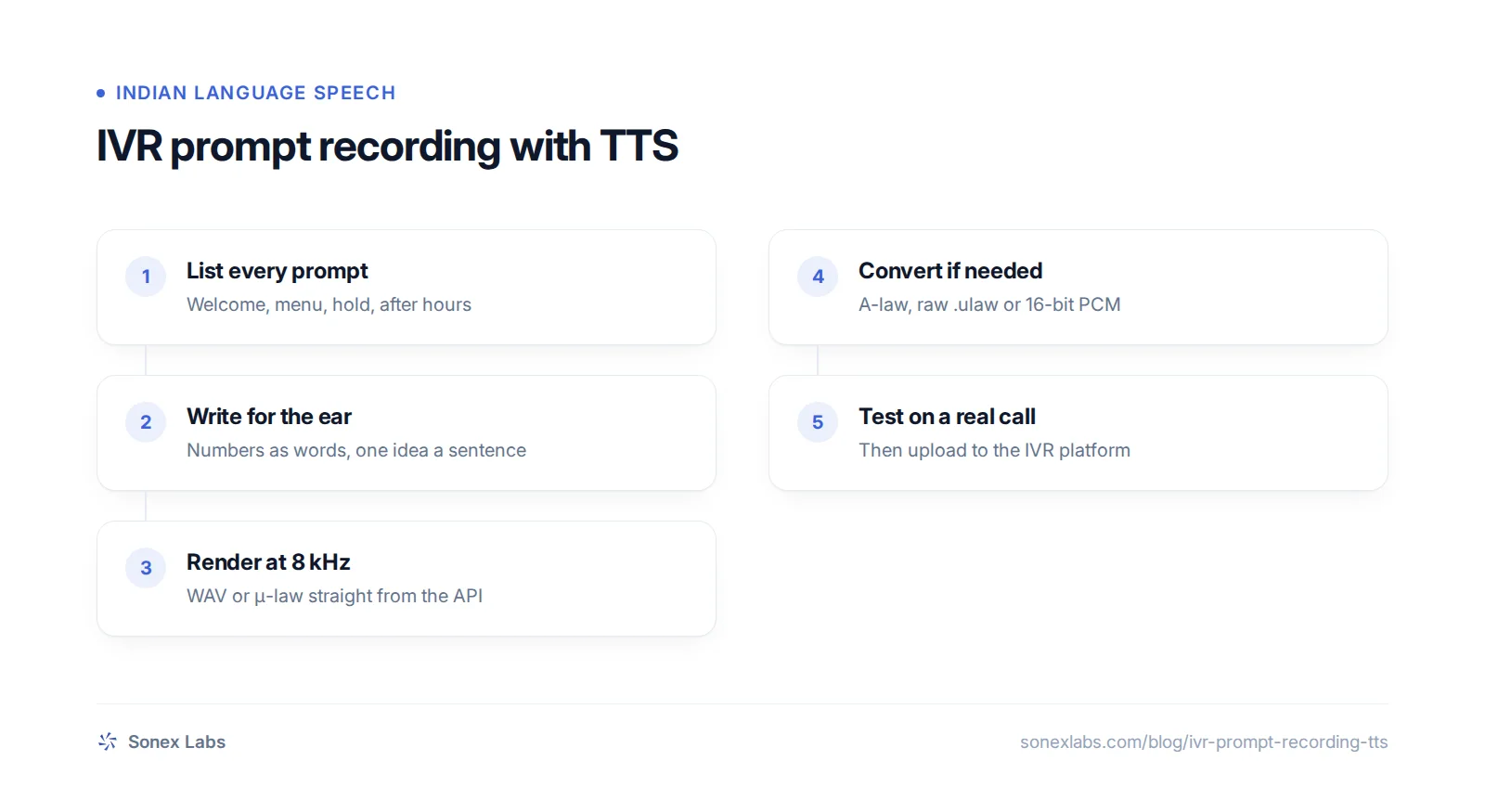
What IVR platforms expect from a prompt file
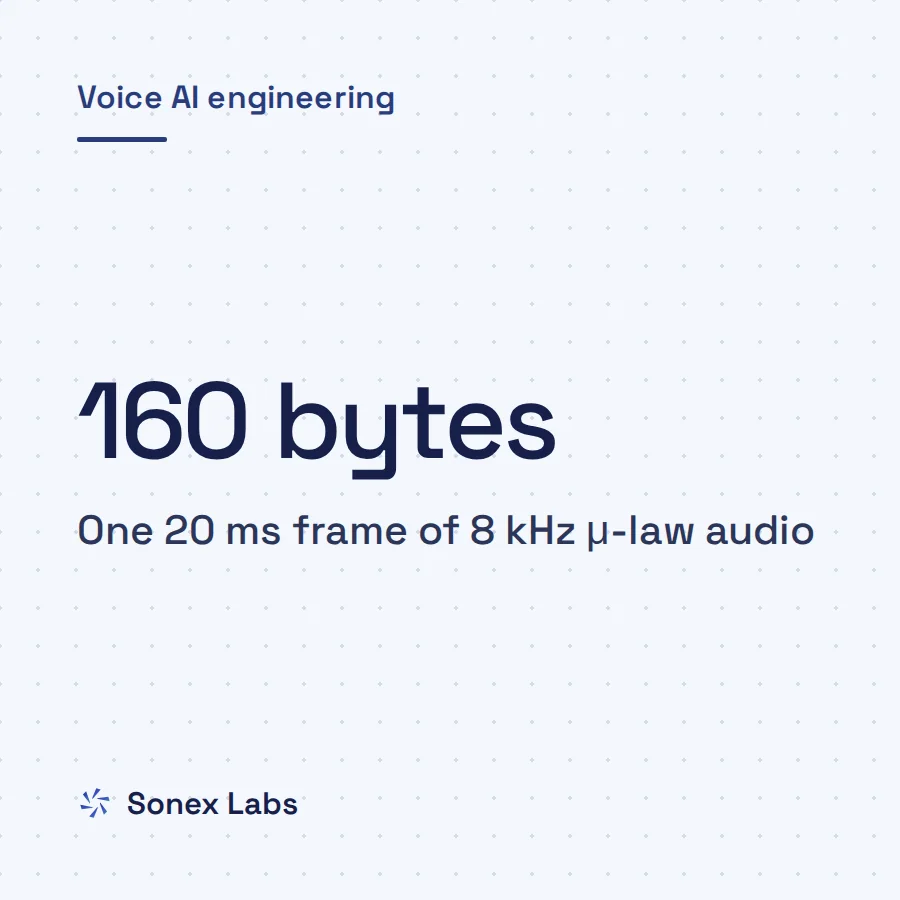
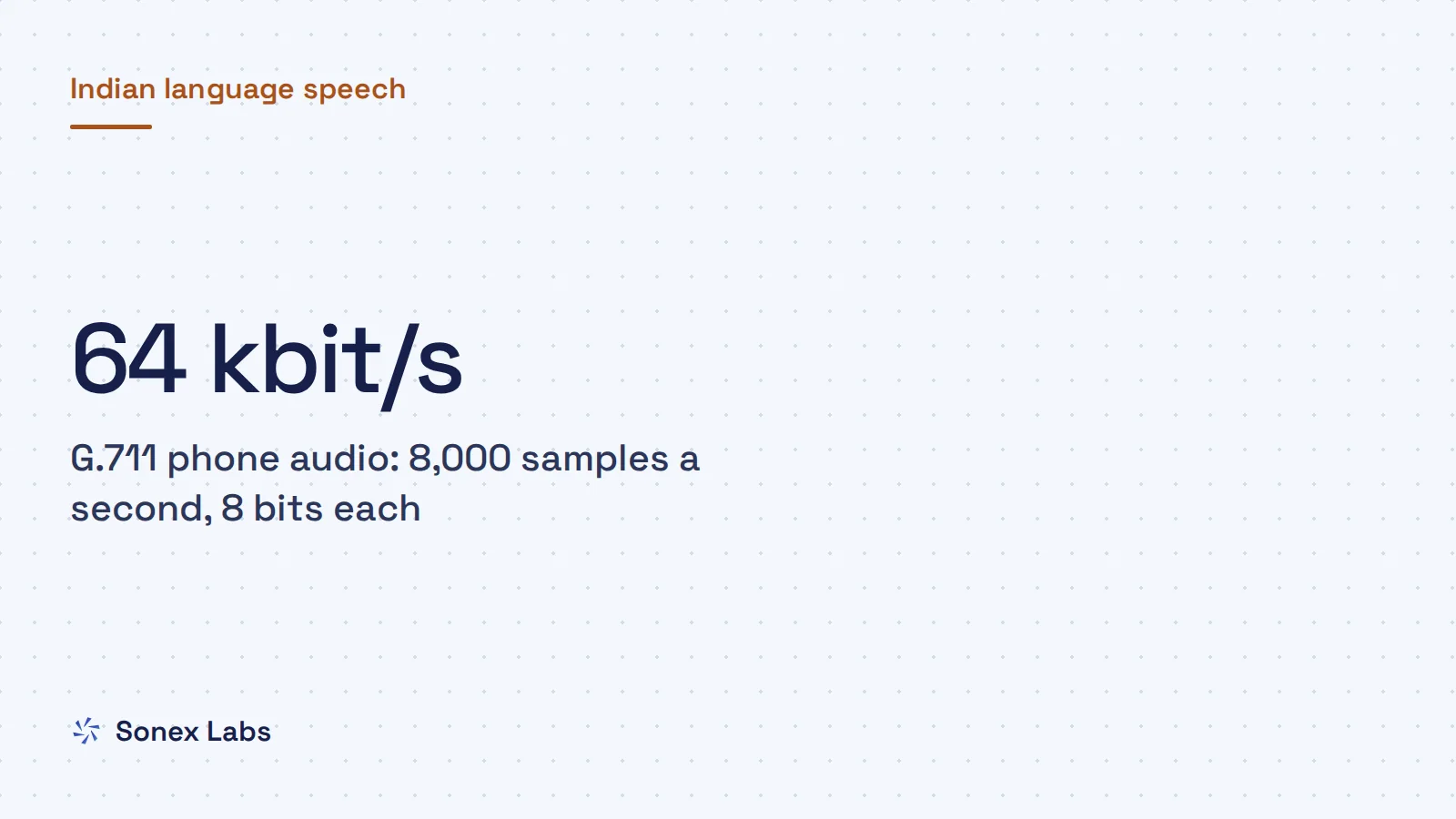
Phone audio is narrow. The classic codec is G.711, which samples speech 8,000 times a second at 8 bits a sample, a bit rate of 64 kbit/s (ITU-T G.711). It comes in two flavours that compress each sample on a logarithmic scale: μ-law, used mainly in North America and Japan, and A-law, used in most other countries (G.711 overview). Both run at 8 kHz, so anything above 4 kHz in your recording is lost on the call whatever you upload.
Each platform states its own spec, and they differ. Exotel's developer documentation asks for WAV at 8,000 Hz, mono, 16-bit, up to 5 MB, recommends clips under 30 seconds and advises keeping greetings under 15 seconds (Exotel greeting messages). Twilio's Play verb accepts WAV, MP3, AIFF, GSM and μ-law files (Twilio <Play>). Asterisk can convert between most formats itself, but its sound packages note that native files, already in the call's codec, avoid extra CPU use and can sound better (Asterisk core sounds).
Specs can even disagree with themselves. Cisco's guide for Webex Contact Center lists 8 kHz, 8-bit μ-law WAV files with two channels, then walks you through downmixing to mono (Cisco, Webex Contact Center audio files). When a spec is ambiguous, upload a short test file in each reading and keep the one that plays cleanly.
Indian lines raise a common question: μ-law or A-law? A-law is the norm in most countries outside North America and Japan, but many cloud telephony platforms, Exotel among them, ask for 16-bit PCM WAV and convert it themselves. Upload exactly the format your platform requests, which avoids a second conversion on their side. So the first step is not choosing the voice; it is getting the sample rate, codec, bit depth, channel count and size limit from your IVR or cloud telephony provider.
| Platform | What it asks for |
|---|---|
| Exotel greetingsSource: Exotel developer docs | WAV, 8,000 Hz, mono, 16-bit, up to 5 MB; clips under 30 s, greetings under 15 s |
| Twilio <Play>Source: Twilio TwiML docs | WAV, MP3, AIFF, GSM or μ-law (audio/ulaw) |
| AsteriskSource: Asterisk core sound packages | Native files such as .ulaw, .alaw, .gsm or 8 kHz .wav avoid conversion |
| Webex Contact CenterSource: Cisco support article | WAV, 8,000 Hz, 8-bit μ-law; spec says two channels, its steps downmix to mono |
Generating the prompt files with the Pāṇini API
Pāṇini, Sonex Labs' text-to-speech model, can produce phone-ready files directly. The Pāṇini text-to-speech API endpoint, POST /v1/speech, takes a sample_rate of 8000 and an output_format of wav, or mulaw for G.711 μ-law in a WAV container. Rendering at 8 kHz in one step avoids resampling twice, and Pāṇini is trained for 8 kHz phone audio.
The script below renders a set of prompts and saves one file per prompt. Each request can carry up to 5,000 characters, far more than any prompt needs. The X-Chars-Billed header tells you what each file cost, and X-Voice-Fallback warns you if the voice ID was not recognised and the default voice was used instead, which would leave one prompt in a different voice from the rest.
Find voice IDs with GET /v1/voices. For Hindi there are four native voices, Priya, Alok, Anchal and Riya, and you can hear Hindi samples on the Hindi text-to-speech page. Tamil has Kavya, Telugu Ananya and Neha, Bengali Nupur and Arindam, and Marathi Rujuta and Atharva.
One voice can speak across languages, so a Hindi voice can read the English option in a bilingual welcome. The accent comes from the voice's reference speaker, which means a Hindi voice reads English with an Indian accent, and that suits most Indian callers. Pāṇini reads other Indian languages too, with a voice recorded in a different language; for a local accent in those, clone a native speaker from a 10-second sample, with their permission.
# pip install requests
import requests

API_KEY = "YOUR_API_KEY"
VOICE_ID = "REPLACE_WITH_VOICE_ID"   # GET /v1/voices lists them

prompts = {
    "welcome": "हमारी कस्टमर केयर में आपका स्वागत है। हिंदी के लिए एक दबाएँ। For English, press two.",
    "after-hours": "नमस्ते, अभी हमारा ऑफ़िस बंद है। हम सोमवार से शनिवार, सुबह दस बजे से शाम छह बजे तक आपकी सेवा में हैं।",
}

for name, text in prompts.items():
    r = requests.post(
        "https://api.sonexlabs.com/v1/speech",
        headers={"Authorization": f"Bearer {API_KEY}"},
        json={
            "text": text,
            "voice_id": VOICE_ID,
            "output_format": "wav",   # or "mulaw": G.711 mu-law in a WAV container
            "sample_rate": 8000,
        },
        timeout=60,
    )
    r.raise_for_status()
    if r.headers.get("X-Voice-Fallback") == "true":
        raise SystemExit(f"{name}: voice_id not recognised, default voice used")
    with open(f"{name}.wav", "wb") as f:
        f.write(r.content)
print(name, "characters billed:", r.headers["X-Chars-Billed"])Converting to μ-law, A-law or raw files with ffmpeg
If your platform wants something the API does not output directly, such as A-law, a headerless .ulaw file for Asterisk or a guaranteed 16-bit PCM WAV, convert the 8 kHz file with ffmpeg (FFmpeg formats documentation). Each command below takes the rendered prompt and writes one new file. We ran all of them with ffmpeg 6.1 on 24 October 2026 and checked the results with ffprobe.
Two mistakes cause most broken prompts. A headerless .ulaw or .alaw file carries no sample rate, so a system that assumes the wrong rate plays it at the wrong speed and pitch: a 16 kHz file read as 8 kHz plays at half speed, and the reverse sounds like a chipmunk at double speed. Keep raw files at exactly 8,000 Hz. The second mistake is converting an MP3 to μ-law, which stacks one lossy format on another, so start from the WAV rather than from an MP3 you downloaded for review.
Always finish with the ffprobe line. It prints the codec, sample rate and channel count, for example pcm_mulaw,8000,1, which should match the platform's spec exactly before you upload. The guide to 8 kHz phone audio explains why sample-rate mistakes fail silently.
# 16-bit PCM WAV, 8 kHz, mono (Exotel-style spec)
ffmpeg -i welcome.wav -ar 8000 -ac 1 -c:a pcm_s16le welcome-8k-pcm.wav

# G.711 mu-law in a WAV container
ffmpeg -i welcome.wav -ar 8000 -ac 1 -c:a pcm_mulaw welcome-ulaw.wav

# G.711 A-law in a WAV container
ffmpeg -i welcome.wav -ar 8000 -ac 1 -c:a pcm_alaw welcome-alaw.wav

# Raw, headerless mu-law for Asterisk (welcome.ulaw)
ffmpeg -i welcome.wav -ar 8000 -ac 1 -f mulaw welcome.ulaw

# Check the result: codec, sample rate, channels
ffprobe -v error -show_entries stream=codec_name,sample_rate,channels -of csv=p=0 welcome-ulaw.wavWriting prompts that work in Hindi and regional languages
A prompt is heard once, over a narrow line, often while the caller is doing something else. Write it the way you would say it to a customer at a counter: polite, plain and one idea a sentence. Spell the menu digits out as words, एक दबाएँ rather than 1 दबाएँ, so the voice reads them the way you intend. Keep English options in Latin script, as in "For English, press two", where a Hindi reader expects them.
Keep the options parallel. Each should follow the same pattern and pace, with the digit at the end, so callers can wait for the one they need. Keep the welcome short: Exotel advises greetings under 15 seconds and any clip under 30, because callers lose patience with long messages.
The samples below are welcome prompts in five languages, plus a Hindi after-hours message, each read by a native voice for that language. For longer scripts, such as reminders and confirmations read by an agent rather than a menu, the call script templates in Hindi and Indian languages follow the same rules.
Have a native speaker of each language review the text and listen to the files before they go live. Regional IVR prompts are often written by translating an English menu, and a literal translation can sound stiff or name an option in a way callers would never say.
हमारी कस्टमर केयर में आपका स्वागत है। हिंदी के लिए एक दबाएँ। For English, press two.
नमस्ते, अभी हमारा ऑफ़िस बंद है। हम सोमवार से शनिवार, सुबह दस बजे से शाम छह बजे तक आपकी सेवा में हैं। कृपया इसी समय दोबारा कॉल करें। धन्यवाद।
வணக்கம், எங்கள் வாடிக்கையாளர் சேவைக்கு உங்களை வரவேற்கிறோம். தமிழில் தொடர ஒன்றை அழுத்தவும். For English, press two.
నమస్కారం, మా కస్టమర్ కేర్కి స్వాగతం. తెలుగు కోసం ఒకటి నొక్కండి. For English, press two.
নমস্কার, আমাদের কাস্টমার কেয়ারে আপনাকে স্বাগত। বাংলার জন্য এক টিপুন। For English, press two.
नमस्कार, आमच्या कस्टमर केअरमध्ये आपलं स्वागत आहे. मराठीसाठी एक दाबा. For English, press two.
Sources
- Exotel developer docs: Greeting messages (upload audio file spec)Official
- Twilio: TwiML Voice <Play> (supported MIME types)Official
- Asterisk core sounds, ulaw package description (OpenBSD ports)Secondary
- Cisco: converting audio files compatible with Webex Contact CenterOfficial
- ITU-T Recommendation G.711: Pulse code modulation (PCM) of voice frequenciesOfficial
- Wikipedia: G.711 (sample rate, bit rate, μ-law and A-law regions)Secondary
- FFmpeg documentation: formats, including the raw PCM mu-law muxerOfficial
- Edesy: Hindi IVR setup, voice options and sample scripts (2026)Secondary
- ExchangeRate-API: USD rates (open.er-api.com), 24 October 2026Official
Change log: 24 Oct 2026, First published. Later the same day, rewritten as one continuous guide: corrected Exotel's length advice (clips under 30 s, greetings under 15 s), added Webex Contact Center's spec, a vendor's view on when studio recordings still win, and the call-scripts link (the voice-over scripts page no longer has IVR prompts); steps, checklist, takeaways and FAQs folded into the body