On this page
Why voice agents go quiet, and what a filler can cover
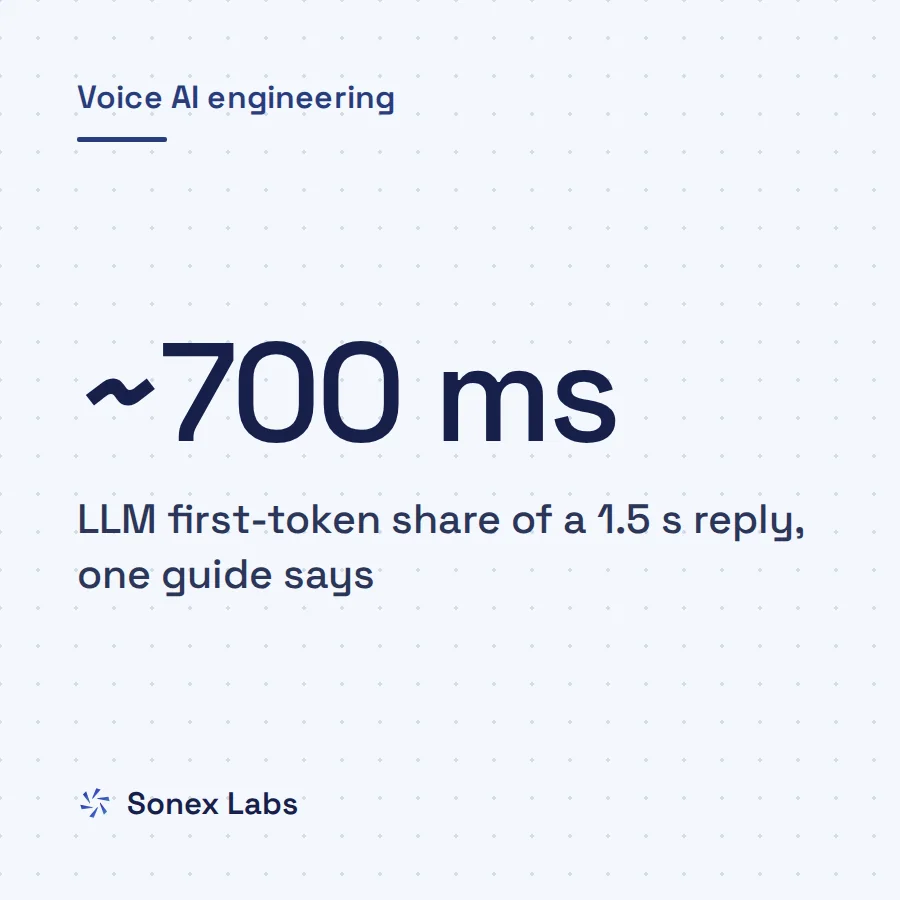
Most phone agents are cascaded: speech-to-text (STT) turns the caller's words into a transcript, a large language model (LLM) writes the reply, and text-to-speech (TTS) turns it into audio. Each step waits for the one before it. The caller hears nothing until all three have started, and the LLM is often the slowest of them, as our guide to LLM time to first token on phone calls explains.
People are sensitive to that silence. A study of conversation in 10 languages, from major world languages to small indigenous communities, found in every one "a minimization of silence between conversational turns". Average gaps differed by language but stayed within 250 ms of the cross-language mean (Stivers and colleagues, PNAS, 2009). Voice-AI vendors draw the same line in practice: Retell's guide says that above one second "the conversation feels noticeably delayed" (Retell).
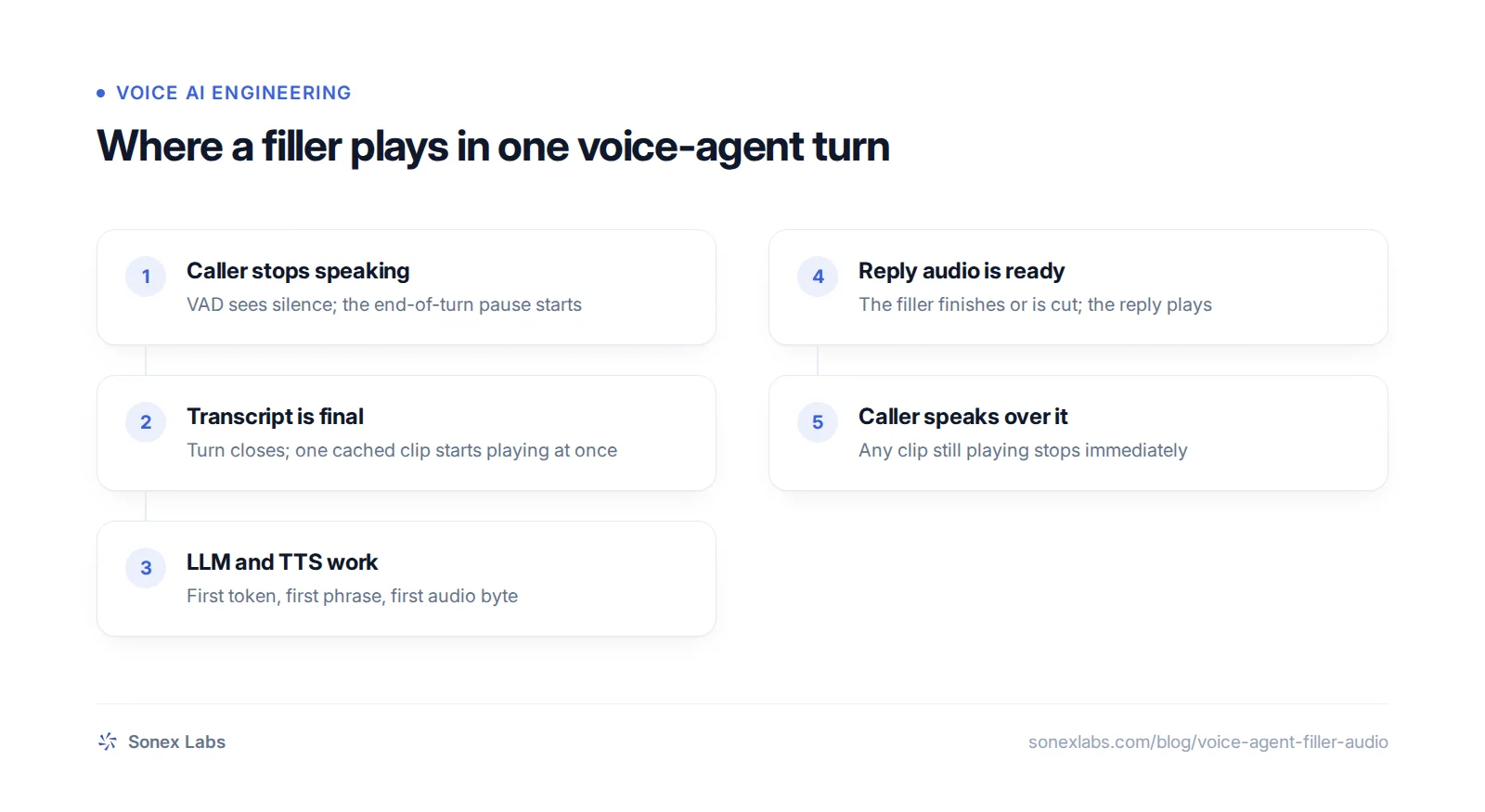
A filler covers only part of the wait. It starts once the agent has decided the caller has finished, so it does nothing for the time spent detecting the end of speech, and the phone network adds delay on both sides that no server can hide. A filler is a mask over think-time, not a substitute for a faster model or a shorter prompt.
How cached filler audio works
The design that works is a small library of clips for each voice, rendered in advance and played from memory. Generating a filler on the fly would cost a full TTS request, which is about the same first-byte wait the filler is meant to hide. Caching also changes the cost: a cached set is synthesised once when it is created, while a filler synthesised live is billed as ordinary text-to-speech on every turn.
Our own engine is a worked example, and the choices behind it are the useful part. They fall into three questions: what goes into a set, when a clip plays, and where in the pipeline it enters.
What goes into a set
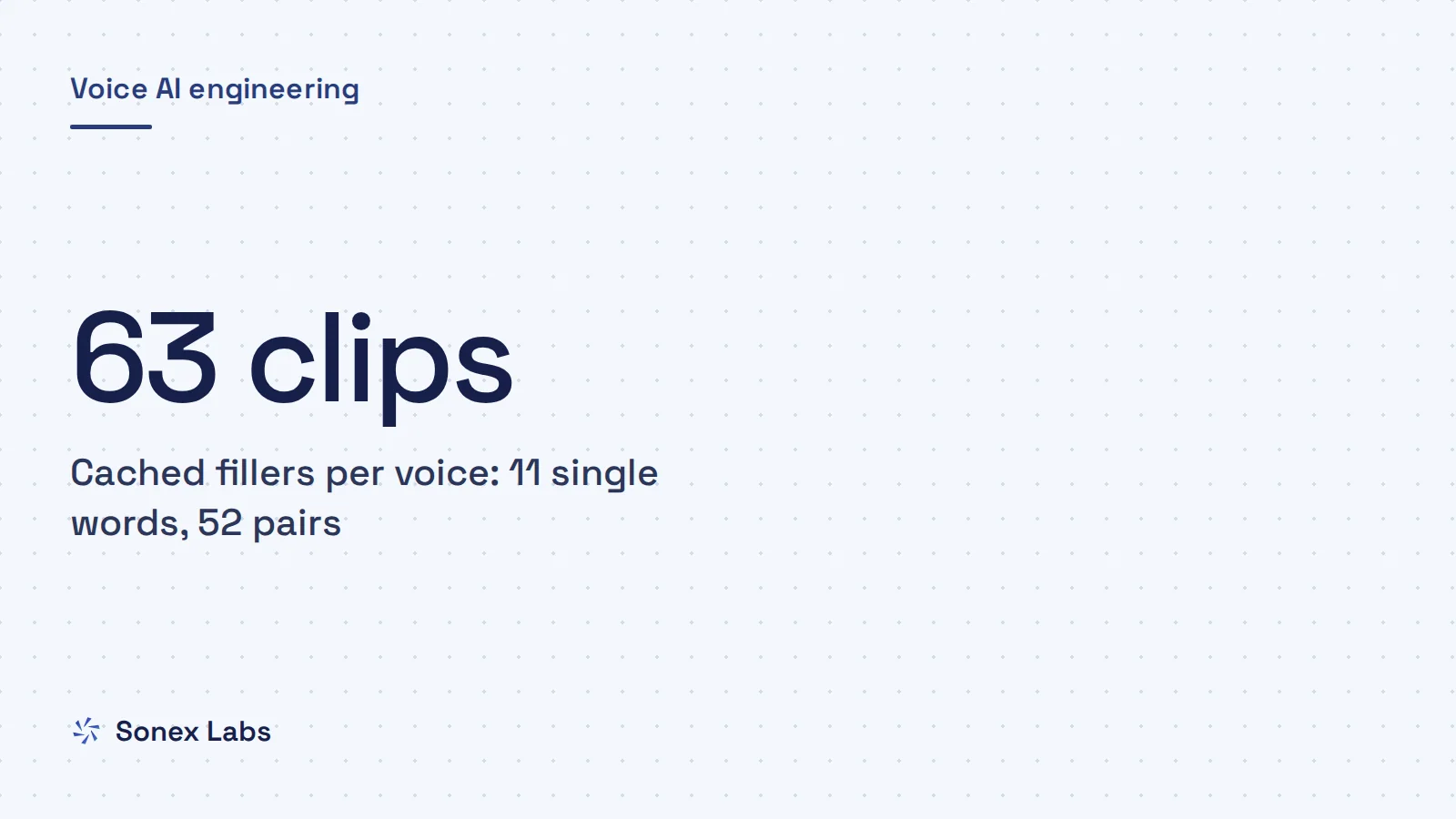
Our set has 63 clips per voice, rendered at 8 kHz so they play on a phone line with no conversion. There are 11 single words ("hmm", "mm", "um", "uh", "ah", "oh", "huh", "well", "okay", "so", "right") and 52 two-word pairs such as "hmm, okay" and "okay, hmm".
Three rules decide what goes in. No clip is a literal "yes" or "no", because a filler that agrees is wrong when the real answer is a refusal. "Right" may start a pair but never end one, because a trailing "right" sounds like agreement. And each pair exists in both orders, because reversing audio does not sound like reversed speech, so "okay, hmm" has to be its own recording.
Size is a judgement call. Dasha's documentation recommends "5-8 varied phrases" picked at random, and says fillers may not play at all on delays under a second (Dasha fillers docs). A larger set repeats less within a long call, and mixing single sounds with two-word pairs varies the length as well as the word.
When a clip plays, and when it stops
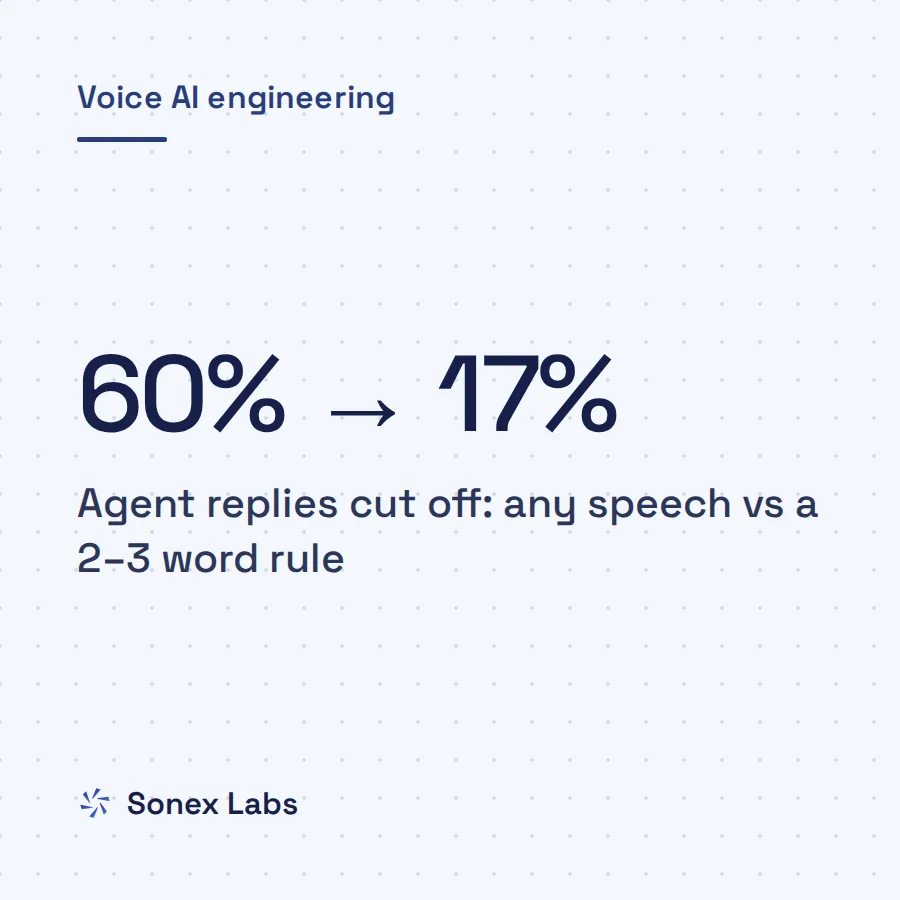
Playback follows the turn. When the caller's transcript is final, the agent plays one clip, drawn from a shuffled deck so that every clip plays once before any repeats; plain random choice replayed the same phrase back to back. A rarer trigger fires on the first sign of silence, but only after three turns without a short filler and then half the time, because firing on every pause played "hmm" in the middle of callers' sentences.
If the caller starts speaking again, the clip stops at once. Fillers never enter the transcript or the LLM's context, so the model never thinks it said "hmm" and never answers as if it had.
Where in the pipeline the clip enters
One detail is specific to Pipecat, the open-source voice framework our engine runs on. Pushing filler audio from a processor placed before the LLM made it arrive after the real reply. The LLM and TTS handle a turn as one long awaited chain, and the filler queued behind it.
Pushing the clip from the TTS processor's own position in the pipeline, straight on towards the output, fixed it. If your fillers play late, check where in the pipeline they enter before you suspect the audio itself.
Fillers are words in a language, not neutral sounds
It is tempting to treat "um" and "uh" as noise, but they behave like words. Herbert Clark and Jean Fox Tree argued from large corpora of spontaneous speech that English speakers use "uh" to announce a minor delay and "um" a major one. Both, they concluded, are "conventional English words" (Clark and Fox Tree, Cognition, 2002). Other languages have their own hesitation words, and "well", "so" and "okay" are plainly English. A filler therefore carries a language and a promise: it tells the caller an answer is coming soon.
That matters for multilingual agents. On our platform, almost every voice in our public catalogue has a complete filler set, but the clips are the same English hesitation words in every voice, spoken in that voice's timbre and accent. "Hmm" and "mm" travel well across languages; "well" and "so" in a Hindi or Telugu voice may sound as if an English speaker slipped in. Hinglish callers say "okay" all the time, so an English "okay" may suit a Hinglish agent and still feel wrong on a formal Telugu call.
If your agent serves several languages, record or generate a set per language, check it with native speakers, and keep the sounds that are common across them. The samples below show the difference: the same English filler in an American and a Hindi voice, and Hindi alternatives. Hindi callers also make their own small sounds while the agent talks, which our guide to backchannels and interruptions in Hindi voice bots covers from the other side.
A spoken line for long waits
For a pause you know will be long, such as a calendar lookup or an order search, a short spoken line beats a hesitation sound, because it tells the caller what is happening. Keep it to a few words, say it in the caller's language, and do not let it promise a result before the tool answers.
The tool itself then has to deliver an answer the model can read, or the line only delays a wrong reply; our article on voice agents that ignore their tool result explains what goes wrong there.
Hmm, okay.
Hmm, okay.
हम्म, अच्छा।
एक सेकंड, देख रही हूँ।
When fillers make an AI call sound fake
The idea of cached fillers comes up whenever developers discuss voice latency. In a 2026 Hacker News thread on a sub-500 ms voice agent, one commenter proposed aggressively caching TTS for lines like "Hmm, let me think about that..." so they play almost at once. Another called the idea interesting but said "the uncanny valley risk is super high", since a badly timed "mhm" could feel worse than silence (Hacker News thread). Nobody in the thread offered data either way.
Fillers hurt in a few predictable ways. Timing is the first: a filler on an ordinary pause, not a real end of turn, talks over a caller who was about to continue. Repetition is the second: even a 63-clip set repeats within a long call, and a caller who notices the same "okay, hmm" twice stops believing anyone is thinking.
The third is the broken promise. A filler says an answer is near, so a filler followed by two more seconds of silence is worse than either alone. That happens on exactly the slow turns fillers are meant to rescue, such as a long prompt or a reasoning model spending its budget thinking.
The case for fixing the wait instead
There is a competing view that fillers are the wrong layer. If the wait is mostly the LLM, a shorter prompt, a faster model or streaming the first clause to TTS sooner removes the silence instead of decorating it. That work pays off on every turn, with or without a filler.
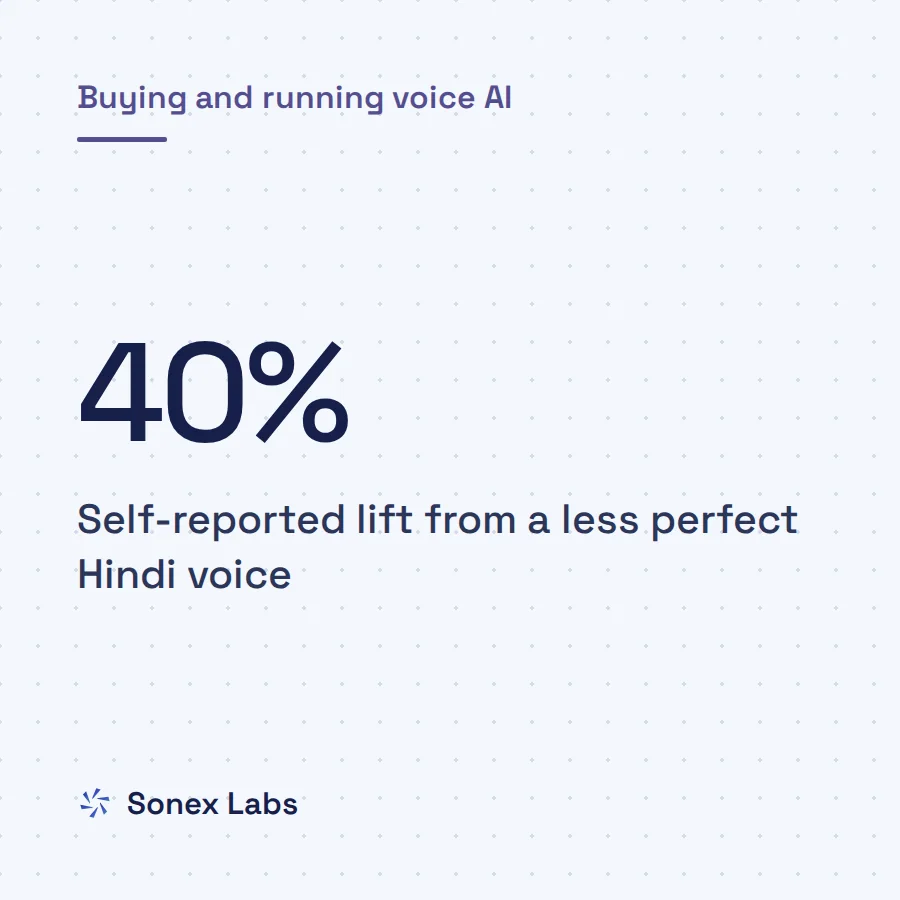
Vendor claims on the other side are hard to check. Dasha's documentation says verbal acknowledgement during pauses reduces perceived wait time by "up to 40%", but it names no study and gives no method. Until someone publishes one, treat that figure as a claim, not a result.
What we know, and don't, about whether fillers help
We cannot yet tell you whether fillers help on real calls, and we would rather say so than guess. Fillers are off by default on our platform and switched on by each agent's owner. On 24 October 2026, 3 of 65 agents had them on, and in the previous 30 days filler clips played twice, on one browser call and on no phone call at all. That is coverage without usage, and coverage is not evidence.
If you try fillers, treat them as an A/B test. Run the same agent with and without them on comparable traffic, and compare early hang-ups, how often callers talk over the agent in the half second after a filler, and how often callers say "hello?" into a silence. Listen to a sample of calls in each language, because a filler that works in English can sound odd in Telugu, and only a native listener will tell you.
Set a budget for silence before you add sound. If the wait after the caller's turn closes is usually well under half a second, a filler may cost more naturalness than it buys. If your slow replies regularly run past a second and a half, a short filler plus a spoken line for tool lookups is a reasonable mask while you work on the cause. Sonex AI voice agents let each agent's owner switch fillers on or off, so the comparison can run agent by agent.
Sources
- Stivers et al., Universals and cultural variation in turn-taking in conversation, PNAS 106(26), 2009Official
- Clark and Fox Tree, Using uh and um in spontaneous speaking, Cognition 84(1), 2002 (PubMed abstract; DOI 10.1016/S0010-0277(02)00017-3)Official
- Retell: best LLM for voice AI agents (22 October 2026)Secondary
- Dasha: fillers (documentation)Secondary
- Hacker News: filler-word thread under "Show HN: I built a sub-500ms latency voice agent from scratch"Secondary
Change log: 24 Oct 2026, Rewritten as one continuous guide: removed the Sonex per-hop reply-time figures and the exact voice count; added the Stivers 10-language finding as published, Dasha's set-size guidance and its unsourced 40% claim, and a part on spoken lines for long waits; takeaways and FAQs folded into the body